How to filter custom profile properties by not created by you in Mixpanel
Here is how to filter custom profile properties by not created by you in mixpanel
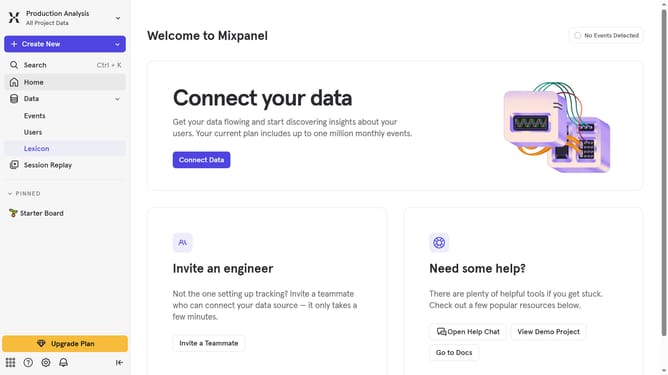
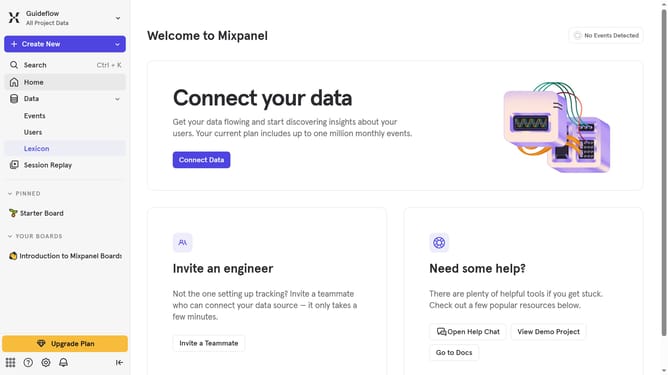
- First click on "Lexicon" item in the left sidebar
- Then click on "Custom Profile Properties" item in the left sidebar
- Then click on "Filter" button
- Finally select "Not Created By You" checkbox
Why should you filter custom profile properties by not created by you in Mixpanel
Mixpanel is a leading analytics platform that allows businesses to understand user interactions for better decision-making.
An essential feature of Mixpanel is the ability to filter custom profile properties not created by you. This function empowers users to focus on relevant data, enhancing clarity and efficiency.
By employing this feature, teams can streamline their analytics workflow, ensuring that they concentrate on actionable insights generated by their team's collective efforts.
Ultimately, this leads to more cohesive strategies and better-informed business decisions.
Last update