How to hide created column in behaviors in Mixpanel
Here is how to hide created column in behaviors in mixpanel
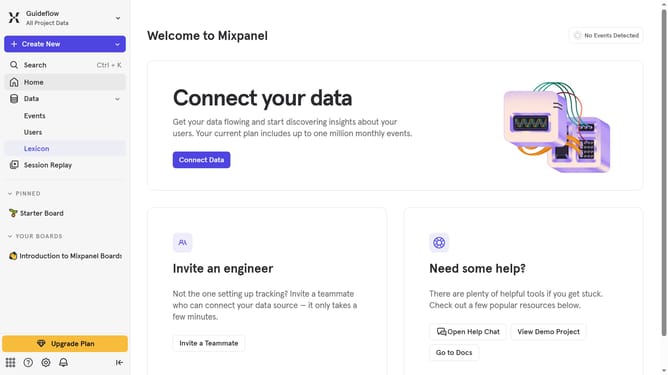
- First click on "Lexicon" in the left sidebar
- Then click on "Behaviors" in the left sidebar
- Then click on the "Edit Columns" button
- Finally uncheck the checkbox next to "Created"
Why should you hide created column in behaviors in Mixpanel
Mixpanel is a powerful analytics tool designed to help businesses understand user behavior and drive growth.
A noteworthy feature of Mixpanel is the ability to hide columns, such as the created column in behaviors. This feature allows users to streamline their dashboards by keeping the focus on essential data, thereby improving clarity and efficiency.
By concealing unnecessary columns, teams can prioritize analysis, reducing distractions and enhancing decision-making processes. Ultimately, this makes it easier to hone in on crucial metrics and turn insights into actionable strategies.
Last update