How to filter events by visible and merged status in Mixpanel
Here is how to filter events by visible and merged status in mixpanel
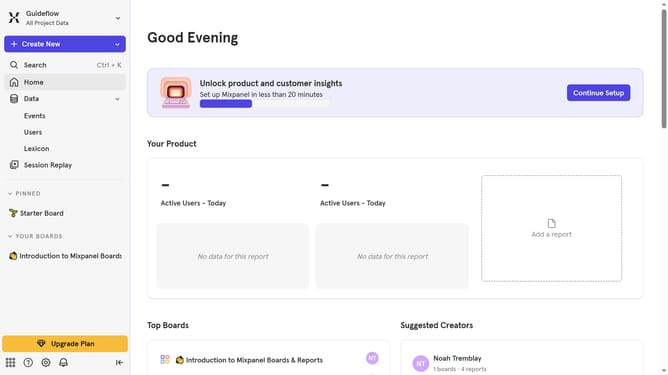
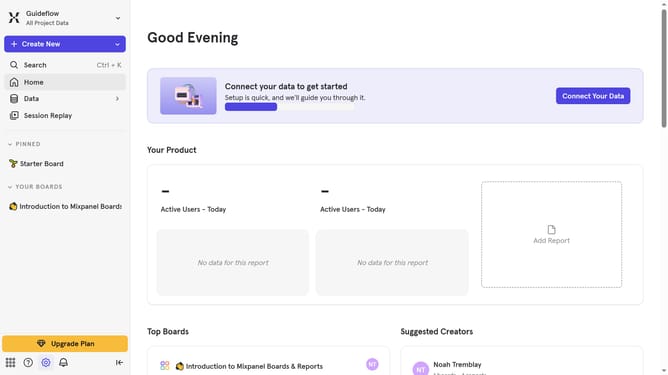
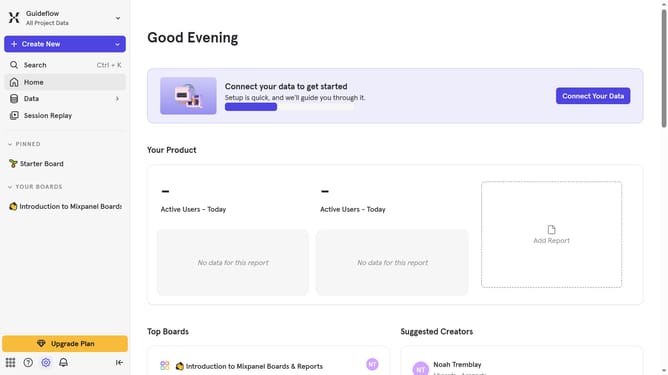
- First navigate to the "Lexicon" tab in the left sidebar
- Then click on the "Filter" button
- Finally select the "Visible, Merged" option from the dropdown menu
Why should you filter events by visible and merged status in Mixpanel
Mixpanel is a powerful analytics platform aimed at helping businesses understand how their users interact with web and mobile applications.
The ability to filter events by visible and merged status in Mixpanel is an essential feature that enhances data analysis by allowing users to narrow down event data to what's most relevant and significant.
This filtering capability simplifies the process of tracking specific user interactions by excluding irrelevant data and bringing attention to key insights, facilitating more informed decision-making.
By focusing on visible and merged events, teams can quickly access streamlined data sets, optimizing the efficiency of their analysis and helping drive strategic initiatives.
Last update