How to change service accounts to owner in Mixpanel
Here is how to change service accounts to owner in mixpanel
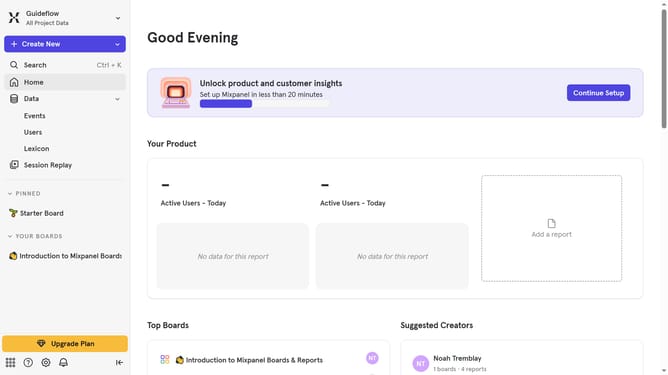
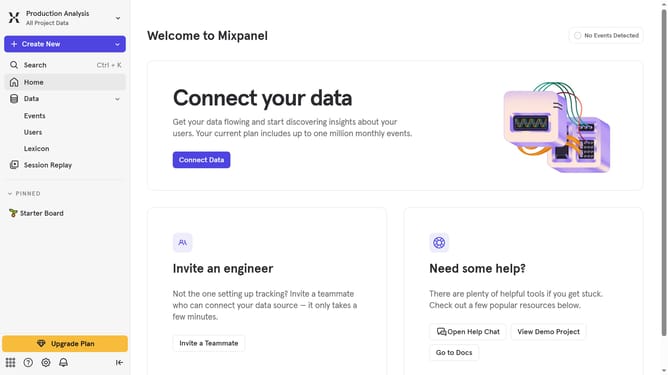
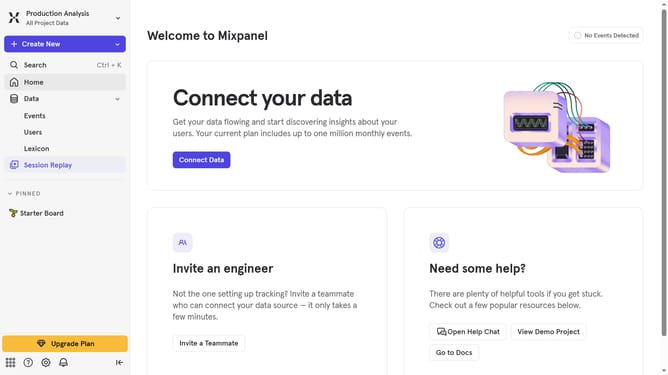
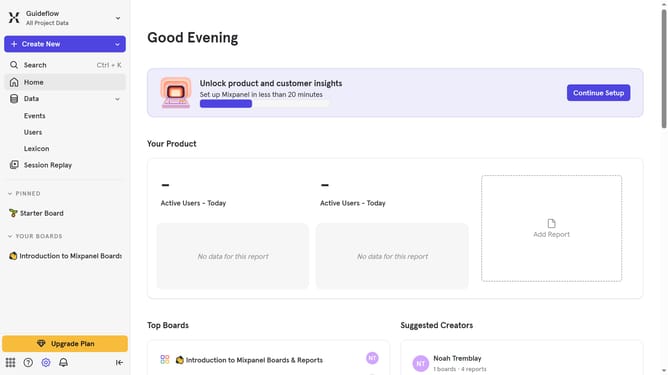
- First click on the settings gear icon in the bottom left corner of the sidebar
- Then hover your mouse cursor over the "Settings" menu
- Next, select "Project Settings" from the dropdown menu
- After that, click on "Project Users" in the left-hand settings menu
- Then click on the "Role" dropdown menu
- Finally, select "Admin" from the role options
Why should you change service accounts to owner in Mixpanel
Mixpanel is a leading analytics platform focused on understanding and improving user engagement.
Changing service accounts to owner in Mixpanel enhances access control, providing comprehensive oversight capabilities necessary for effective data management.
By promoting a service account to an owner role, team members can leverage enhanced permissions, ensuring streamlined collaboration and efficient handling of critical information.
This feature is particularly beneficial in maintaining a secured and organized work environment, fostering optimal teamwork and data-driven strategies.
Last update