How to connect WebEngage in Mixpanel
Here is how to connect webengage in mixpanel
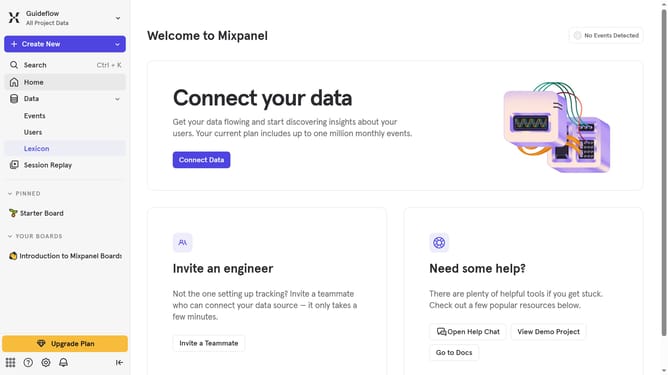
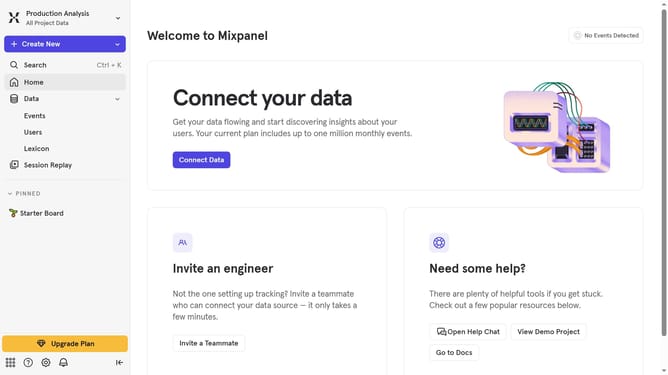
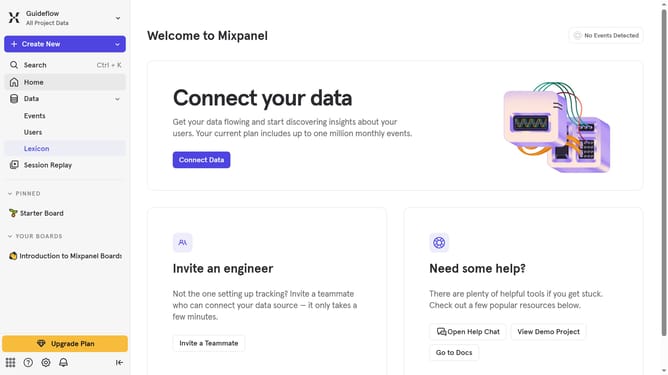
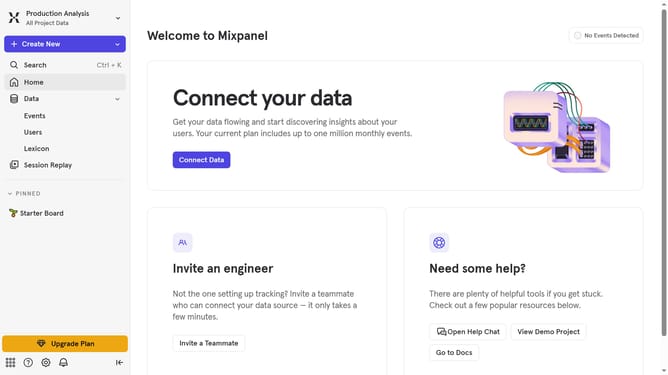
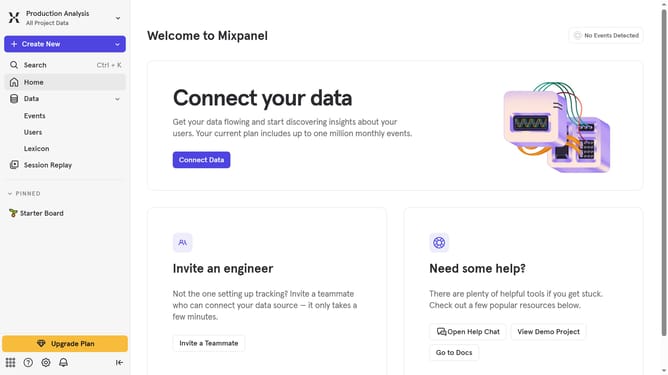
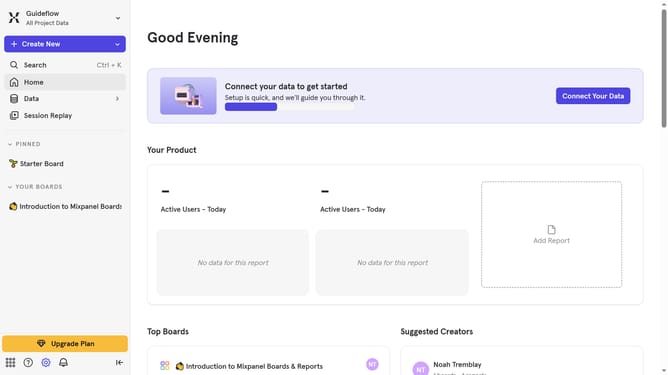
- First click on the "Settings" icon in the bottom left of the sidebar
- Then click on "Integrations" in the left sidebar menu.
- Next scroll down to view more option
- Then click on the "WebEngage" integration option
- Then click on the connect option for WebEngage
- Next click on the "CONNECTOR NAME" text input field and type in your desired connector name
- Then click on the "API KEY" input field and enter your API key
- Finally click on the "Continue" button in the "Set up WebEngage" modal
Why should you connect WebEngage in Mixpanel
Mixpanel is a powerful analytics tool designed to help businesses track user interactions and optimize their engagement strategies.
Connecting WebEngage in Mixpanel opens up a new realm of possibilities, combining customer engagement insights with robust data analytics. By merging WebEngage's real-time feedback and engagement capabilities with Mixpanel’s sophisticated analytics, businesses gain a comprehensive view of user behavior and preferences.
This integration enhances decision-making processes by providing actionable insights, ultimately leading to improved customer satisfaction and retention.
Last update