How to hide display name column in events in Mixpanel
Here is how to hide display name column in events in mixpanel
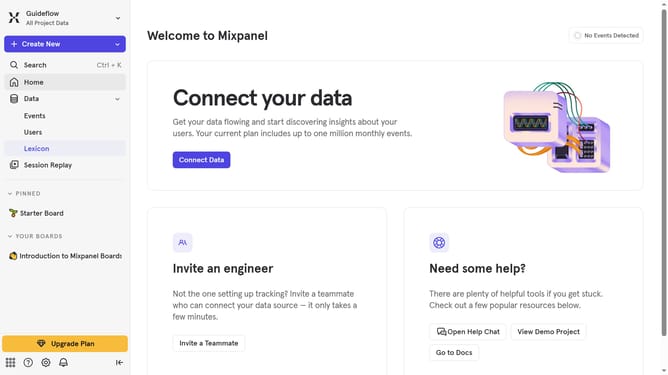
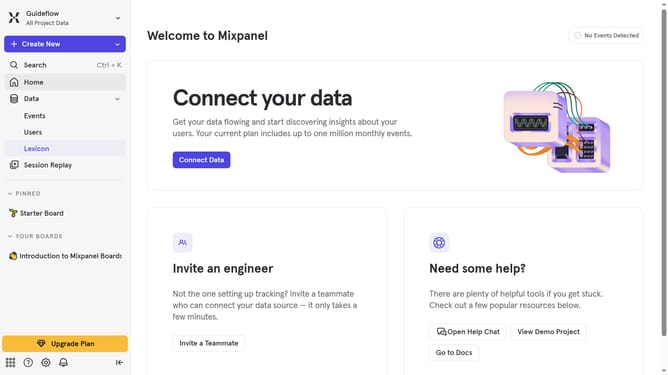
- First in the left sidebar, click on "Lexicon" section
- Then click on the "Edit Columns" button
- Finally, in the dropdown menu, uncheck on the checkbox next to "Display name" hide it
Why should you hide display name column in events in Mixpanel
Mixpanel is a powerful analytics tool designed for tracking user interactions with web and mobile applications.
One of the useful features of Mixpanel is the ability to hide the display name column in events. This feature helps streamline the data view, allowing you to focus directly on critical metrics without distractions. It's perfect for keeping your dashboard clean and organized.
By hiding the display name column, teams can ensure privacy and maintain user confidentiality, enhancing the overall data management process. This translates to efficient data analysis aligned with user privacy standards.
Last update