How to show tags column in events in Mixpanel
Here is how to show tags column in events in mixpanel
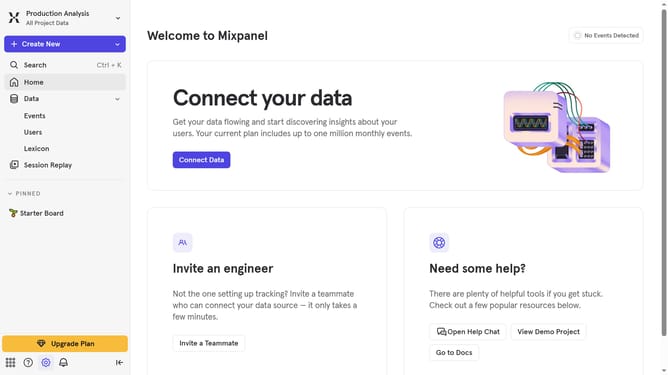
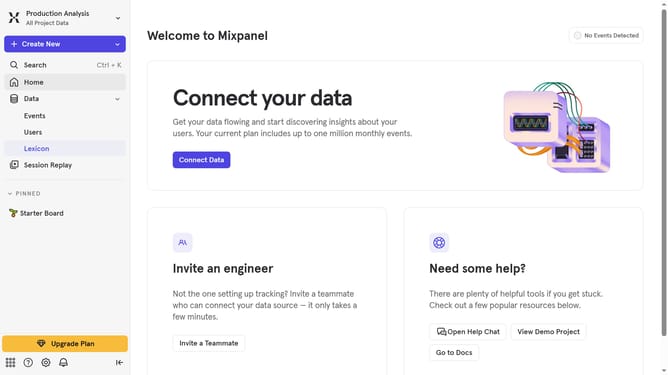
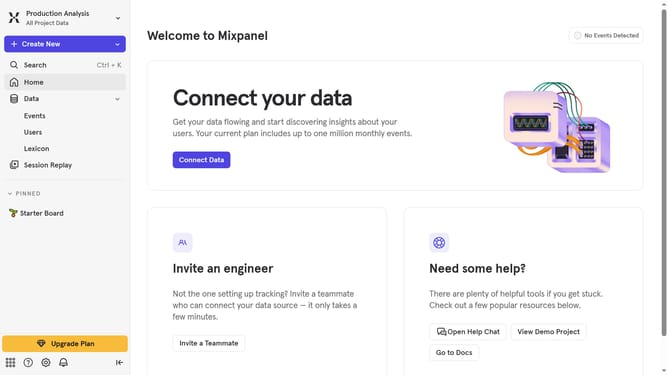
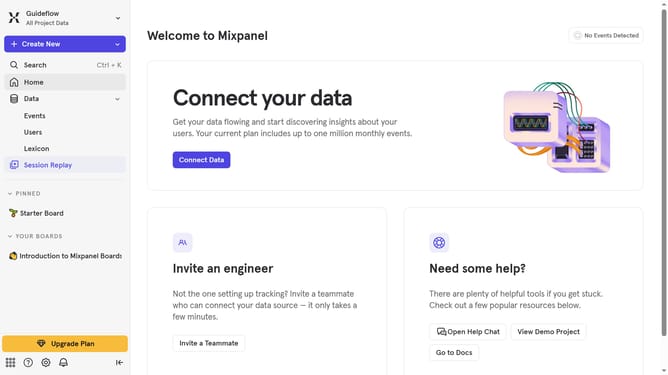
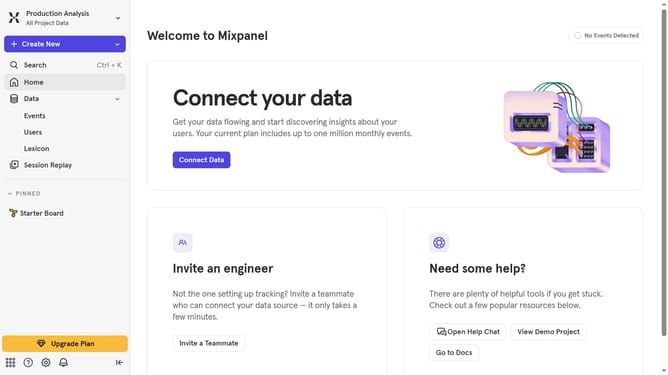
- First click on "Lexicon" in the left sidebar
- Then click on "Edit Columns" button in the main content area
- Finally click on the checkbox next to "Tags" option in the dropdown menu
Why should you show tags column in events in Mixpanel
Mixpanel is a powerful analytics tool that empowers businesses to make data-driven decisions by understanding user behavior.
The ability to show the tags column in events is a valuable feature within Mixpanel. This feature allows you to swiftly categorize and organize data, providing a clearer overview of event patterns and trends.
Using the tags feature leads to more efficient data analysis, making it simpler to identify key insights and execute informed strategies. It enhances the ability to customize event tracking and optimize user engagement initiatives.
Last update