How to disconnect MoEngage in Mixpanel
Here is how to disconnect moengage in mixpanel
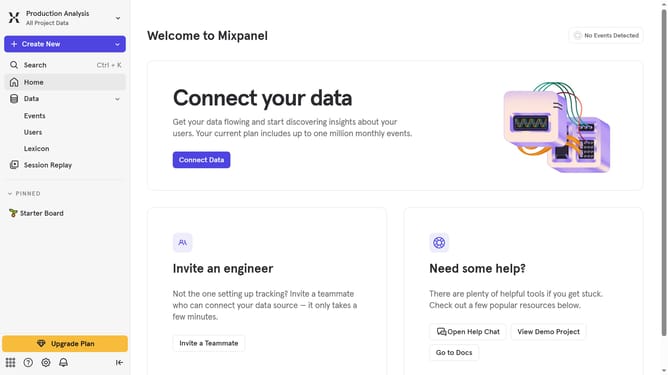
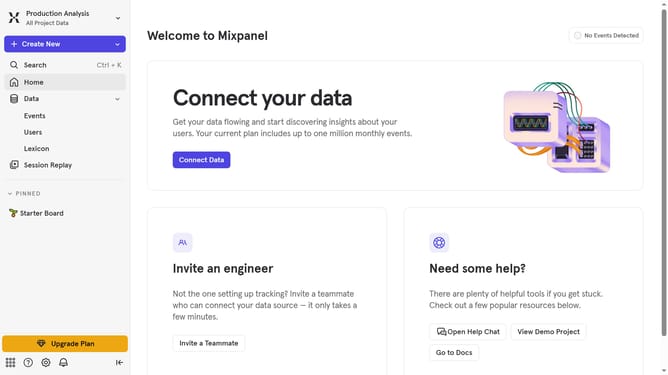
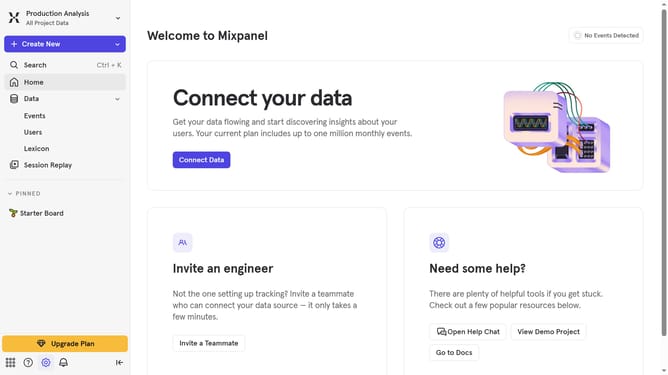
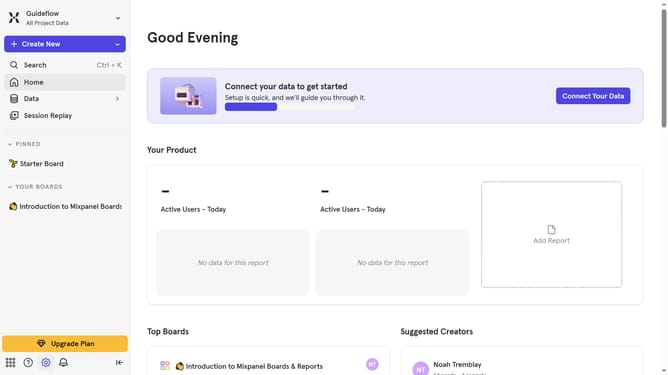
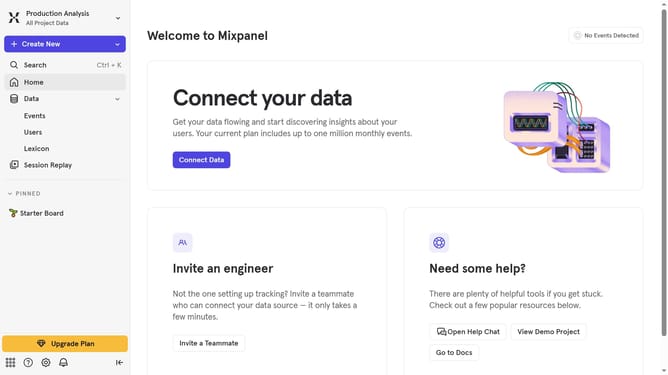
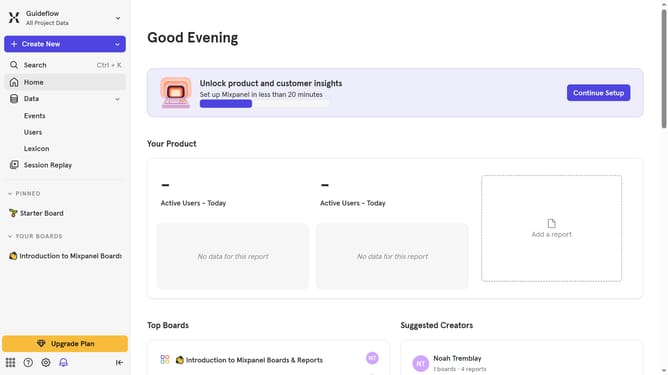
- First click on the settings icon in the bottom left
- Then click on "Integrations" in the left sidebar
- Next, scroll down to view more option
- Then, click on the "MoEngage" integration option
- After that, click on the "Disconnect" button for the MoEngage
- Finally, click on the "Disconnect" button in the confirmation pop-up
Why should you disconnect MoEngage in Mixpanel
Mixpanel is a powerful analytics tool designed to gain insightful data on user interactions with products.
Disconnecting MoEngage from Mixpanel allows users to streamline their data management, ensuring that only relevant and necessary tools are engaged in their daily operations.
This feature provides clarity and reduces data overlap, enhancing the efficiency of analytics processes.
By opting to disconnect MoEngage when it’s not needed, teams can sharpen focus on pertinent metrics, optimizing decision-making strategies.
Last update