How to disconnect WebEngage in Mixpanel
Here is how to disconnect webengage in mixpanel
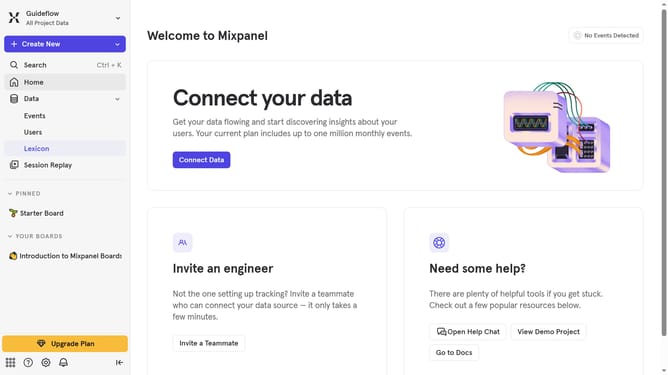
- From the bottom left corner, click on the gear icon
- Then click on "Integrations" in the sidebar menu
- Next scroll down to view more options
- Then click on the "WebEngage" integration option
- Next click on the "Disconnect" button
- Finally click on the "Disconnect" button in the confirmation dialog
Why should you disconnect WebEngage in Mixpanel
Mixpanel is a powerful analytics platform designed to help businesses track user interactions with web and mobile applications.
Disconnecting WebEngage from Mixpanel allows companies to streamline their data flows, leading to clearer and more efficient analytics management. This ensures that only the most relevant data from essential tools are kept in the Mixpanel dashboard.
By managing integrations effectively, organizations can enhance the performance of their analytics suite and maintain a focused strategy, ultimately leading to better decision-making and optimized operations.
Last update