How to delete service accounts in Mixpanel
Here is how to delete service accounts in mixpanel
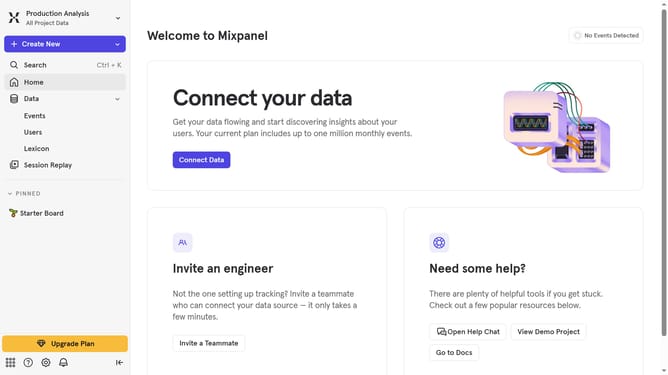
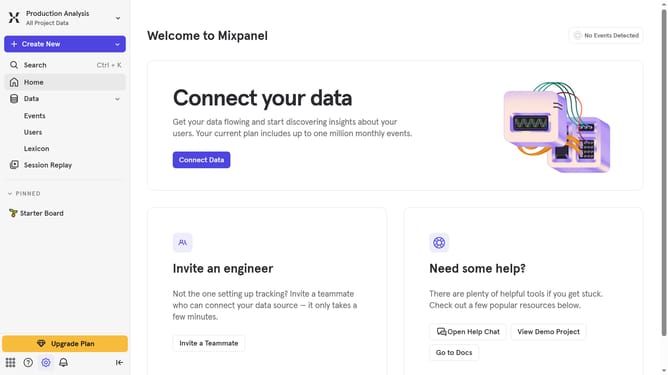
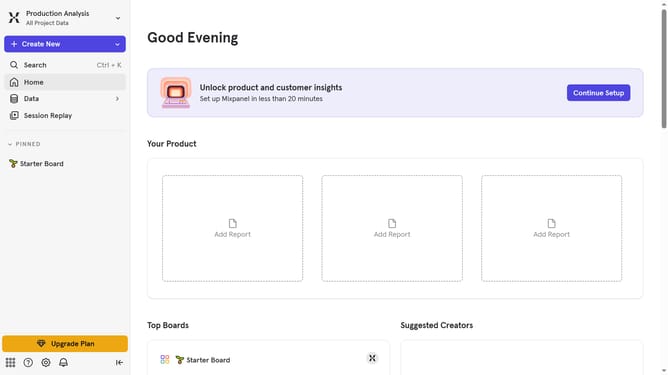
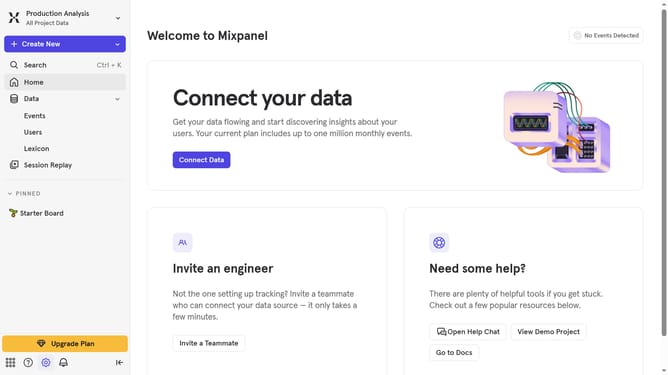
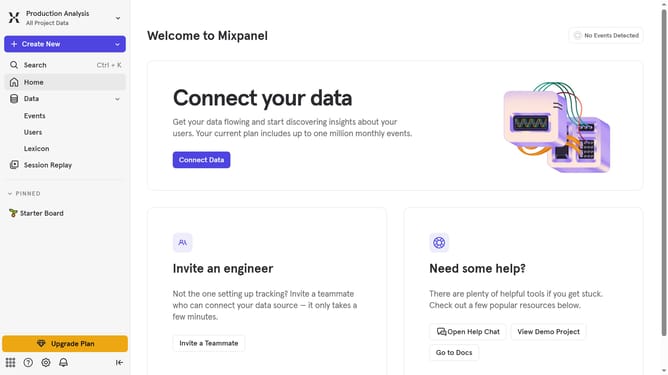
- First click on the gear icon in the lower left part of the page
- Then hover your mouse cursor over the "Settings"
- Next, click on "Organization Settings" in the displayed menu
- After that, click on the "Service Accounts" option in the left sidebar menu
- Then click the checkbox next to the service account you want to delete
- Next, click on the "Delete" button
- Finally click on "Delete Service Account" button to confirm deletion
Why should you delete service accounts in Mixpanel
Mixpanel is a powerful analytics platform designed to help businesses understand user behavior and make data-driven decisions.
One of the key features of Mixpanel is the ability to manage service accounts effectively. Deleting service accounts in Mixpanel helps maintain the security and integrity of your data by ensuring only authorized users have access.
Removing unnecessary service accounts reduces the risk of unauthorized data access, streamlining account management while enhancing overall system performance. This feature ensures your analytics platform remains secure and efficient.
Last update