How to filter audit logs by experiment decision recorded in Mixpanel
Here is how to filter audit logs by experiment decision recorded in mixpanel
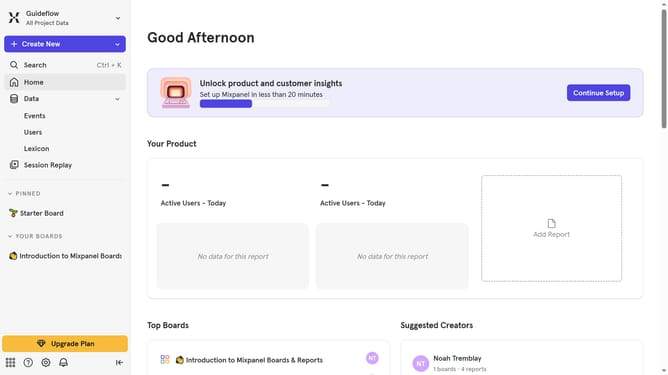
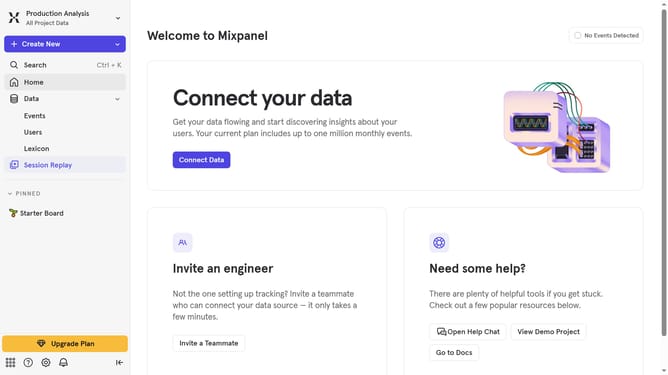
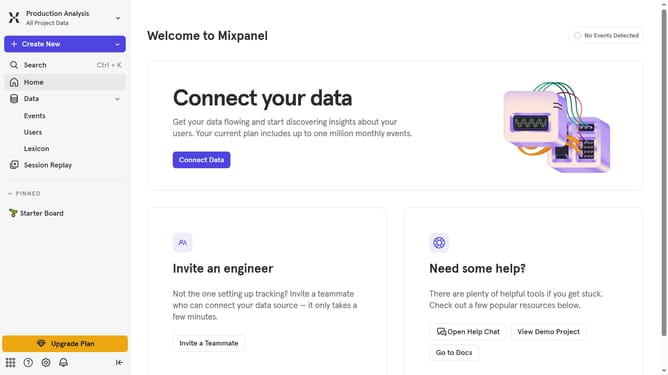
- First click on the "Settings" icon in the left sidebar
- Then hover your mouse cursor over the "Settings" option
- Next click on "Organization Settings" from the pop-up menu
- Then click on "Audit Log" in the left navigation pane
- Next click on the "Action" dropdown menu
- Then scroll down in the dropdown menu
- Finally click on the checkbox for "Experiment Decision Recorded"
Why should you filter audit logs by experiment decision recorded in Mixpanel
Mixpanel empowers businesses by providing insightful data analytics to understand user behavior.
The feature of filtering audit logs by experiment decision in Mixpanel enhances the ability to track how experiments influence user actions. This capability offers precise oversight, giving teams a clear view of decision impacts made during various product iterations.
Using this feature means better data governance and decision-making, leading to improved product strategies and ultimately, user satisfaction.
Last update