How to connect Leanplum in Mixpanel
Here is how to connect leanplum in mixpanel
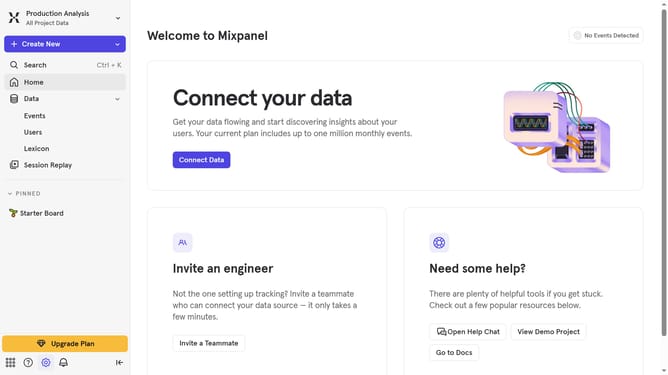
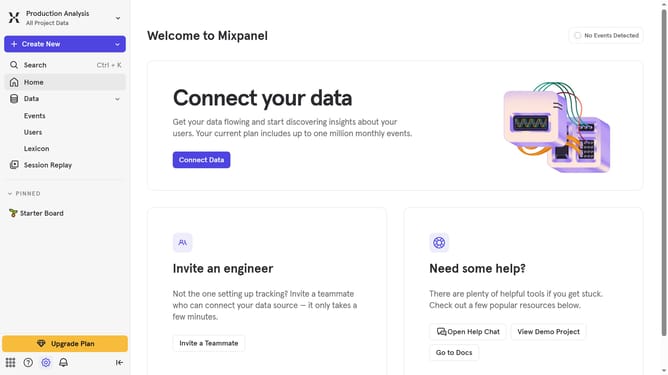
- First click on the settings icon in the bottom left sidebar
- Then click on "Integrations" in the menu
- Then scroll down to view more options
- Next click on "Leanplum" from the integration list
- In the integration settings, click the "Connect" button
- Next click on the "CONNECTOR NAME" text input field and type in your desired connector name
- Then click the "USERNAME" text input field and type in your desired username
- Next, click on the "Password" text input field and enter your desired password
- Finally, click the "Continue" button
Why should you connect Leanplum in Mixpanel
Mixpanel is a powerful analytics platform designed to elevate your understanding of user engagement and behavior.
Connecting Leanplum with Mixpanel merges detailed user insights with robust behavioral analytics in one seamless flow. This integration empowers businesses to craft highly personalized user experiences. By analyzing data gathered from Leanplum and visualized through Mixpanel, organizations can make informed decisions quickly and efficiently.
With this synergy, marketing teams can effectively optimize campaigns and improve user retention, thus driving better overall business results.
Last update