How to filter profile properties by visible status in Mixpanel
Here is how to filter profile properties by visible status in mixpanel
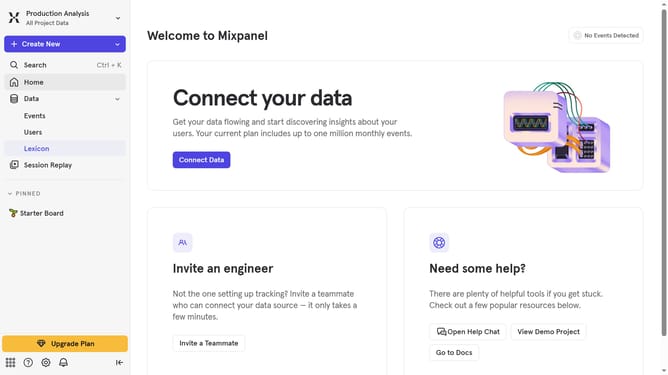
- First click on "Lexicon" in the sidebar
- Then click on "Profile Properties" in the sidebar
- Next click on the "Filter" button
- Finally select "Visible" from the filter options
Why should you filter profile properties by visible status in Mixpanel
Mixpanel is a powerful analytics tool designed to help businesses understand user behavior to enhance product and marketing strategies.
Filtering profile properties by visible status in Mixpanel empowers users to effortlessly manage their data visibility, ensuring that only the most relevant information is highlighted for analysis.
This feature allows teams to focus on significant metrics, streamlining the decision-making process and improving efficiency in identifying user trends.
Ultimately, by filtering properties effectively, businesses can gain clearer insights, optimize their user interactions, and drive growth.
Last update