How to filter event properties to hidden in Mixpanel
Here is how to filter event properties to hidden in mixpanel
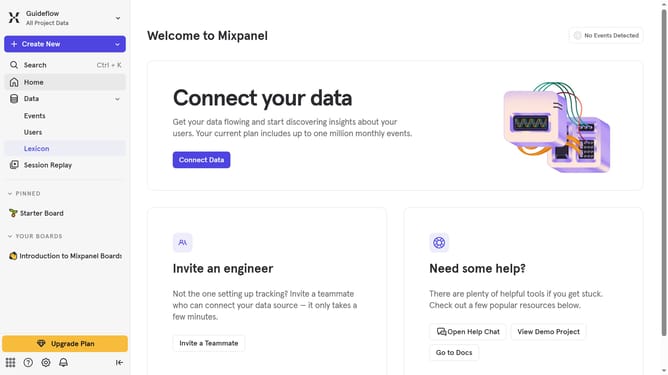
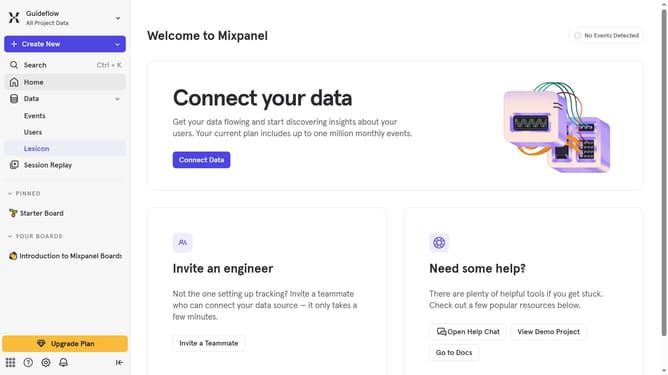
- First click on "Lexicon" in the left sidebar
- Then click on "Event Properties" in the left sidebar
- Next click on the "Filter" button in the main panel
- Finally select the "Hidden" checkbox
Why should you filter event properties to hidden in Mixpanel
Mixpanel is an advanced analytics platform designed to help businesses track and understand user interactions with their products.
One valuable feature within Mixpanel is the ability to filter event properties to hidden. This allows teams to refine data visibility, showcasing only the most relevant information needed for deep analysis.
Using this feature streamlines the data review process by eliminating unnecessary details, ensuring teams can focus on decision-critical insights that drive growth and innovation.
Last update