How to filter event properties by your properties in Mixpanel
Here is how to filter event properties by your properties in mixpanel
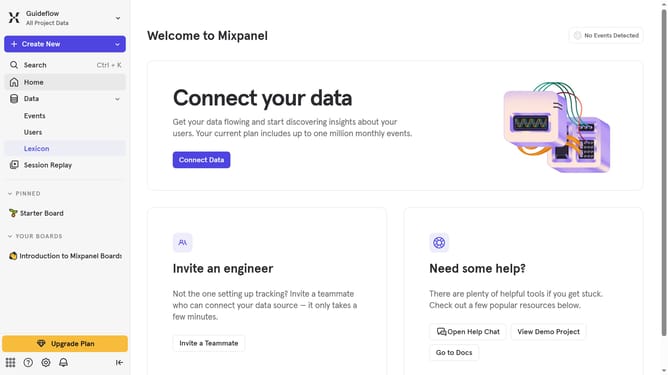
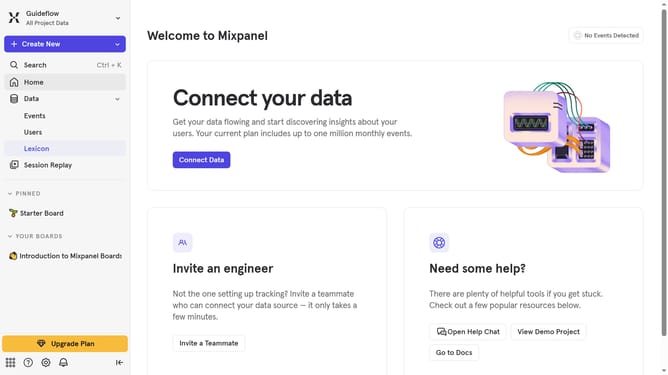
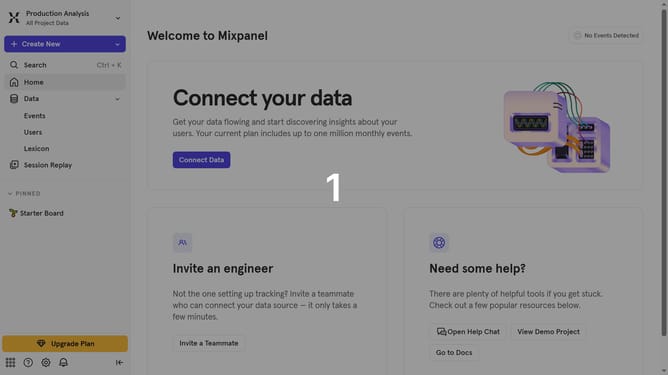
- First click on "Lexicon" in the sidebar
- Then click on "Event Properties" in the sidebar
- Then click on the "Filter" button
- Finally select the checkbox next to "Your Properties"
Why should you filter event properties by your properties in Mixpanel
Mixpanel is a powerful analytics tool designed to help businesses track user interactions and improve product experiences.
The ability to filter event properties by your properties in Mixpanel is a feature that elevates your data analysis accuracy. By applying filters specific to your parameters, you can gain insights tailored to your unique business needs.
This targeted approach enhances decision-making processes, leading to more effective strategies and improved user engagement.
Overall, it empowers you to transform data into actionable insights with precision and ease.
Last update