How to disconnect Tamplytics in Mixpanel
Here is how to disconnect tamplytics in mixpanel
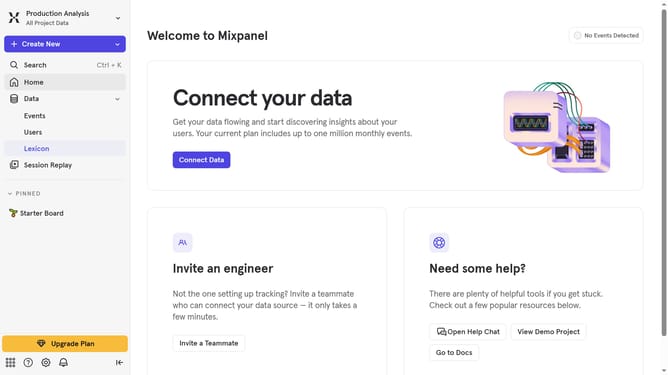
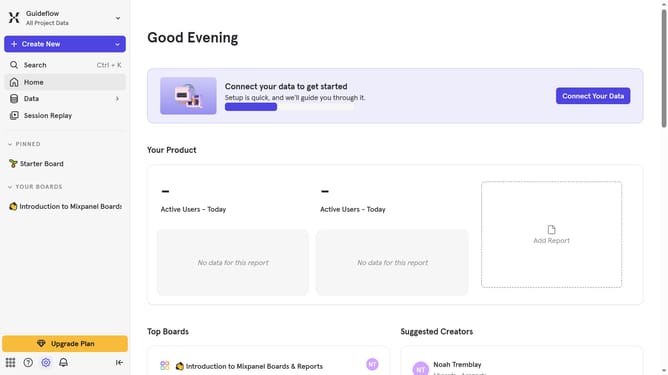
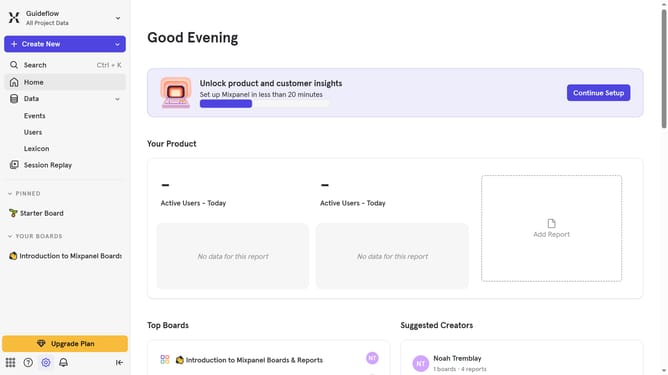
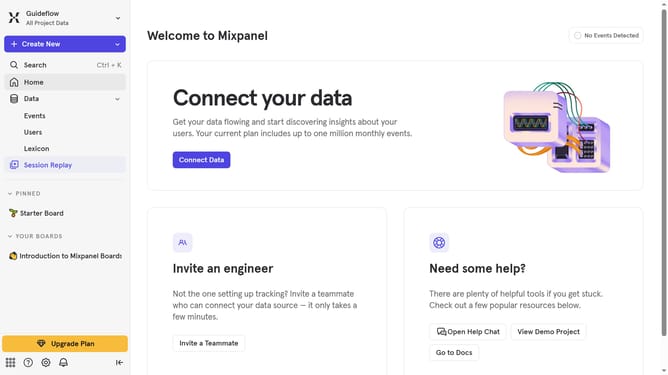
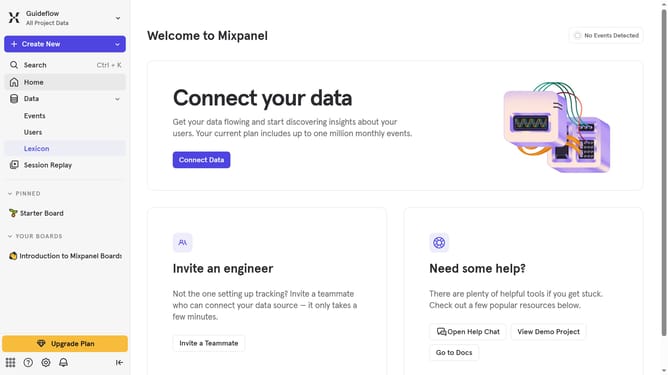
- First click on the settings icon in the bottom left menu
- Then select "Integrations" from the left sidebar menu
- Then scroll down to view more options
- Then click on the "Taplytics" integration
- Then click on the "Disconnect" button
- Finally click on the "Disconnect" button in the confirmation dialog
Why should you disconnect Tamplytics in Mixpanel
Mixpanel is a powerful analytics tool designed to help you understand how users interact with your product.
Being able to manage integrations like disconnecting Tamplytics in Mixpanel empowers you to tailor your analytics setup based on your current needs.
Disconnecting unused or unnecessary components such as Tamplytics can streamline your data monitoring, making it more efficient and focused.
This ensures that your analytics are clean and precise, allowing for more accurate insights into user behavior, ultimately enhancing your strategic decision-making process.
Last update