How to remove hidden, merged filter from events in Mixpanel
Here is how to remove hidden, merged filter from events in mixpanel
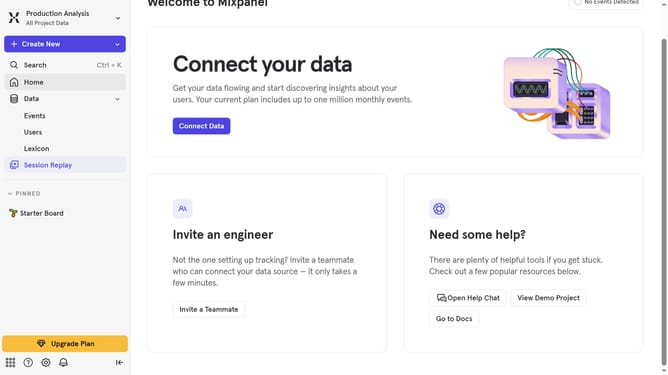
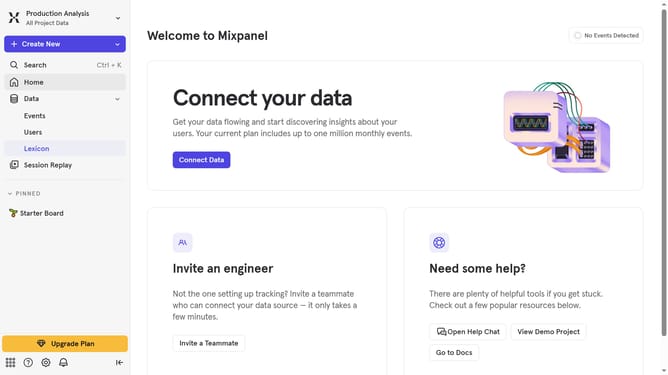
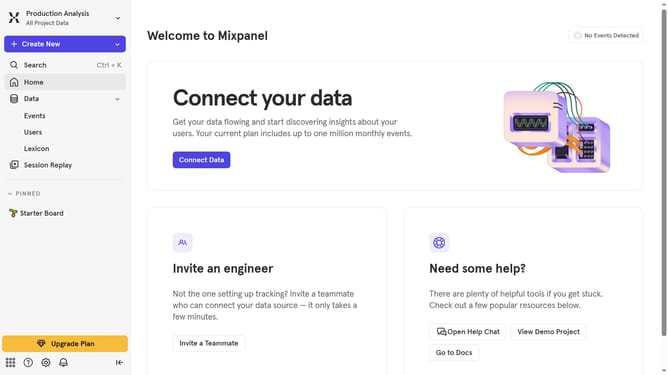
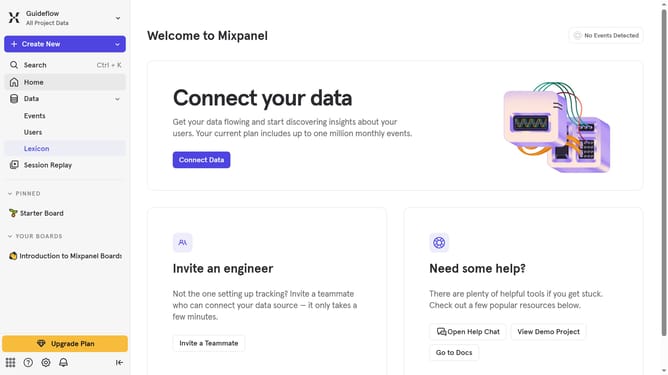
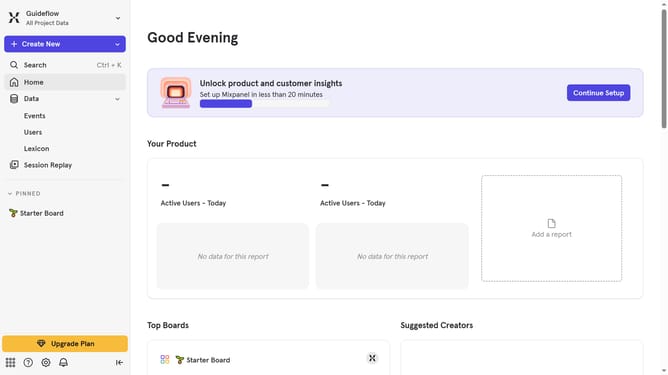
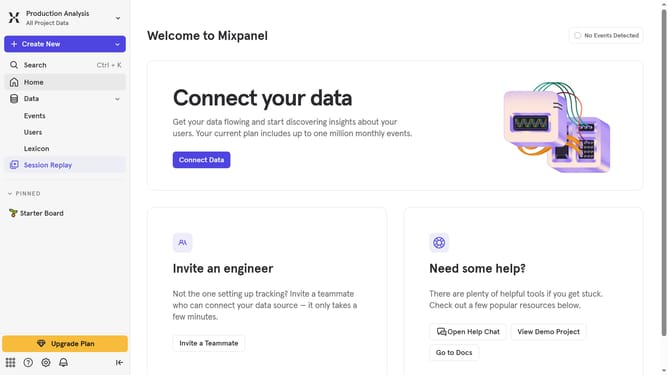
- First click on "Lexicon" in the left sidebar
- Then click on the "Filter" button
- Finally uncheck the checkbox next to "Hidden, Merged"
Why should you remove hidden, merged filter from events in Mixpanel
Mixpanel is a powerful analytics platform that helps businesses understand user behavior to drive better decision-making.
Occasionally, managing data in Mixpanel can involve dealing with hidden, merged filters within events, which may complicate data analysis. Fortunately, removing these filters is a feature designed for clarity and precision.
By removing hidden, merged filters, analyzing data becomes more straightforward, allowing clearer insights and improved strategic decisions. This process enhances the user’s ability to extract the most relevant information, promoting efficiency and accuracy in data-driven initiatives.
Last update