How to filter behaviors by not created by you in Mixpanel
Here is how to filter behaviors by not created by you in mixpanel
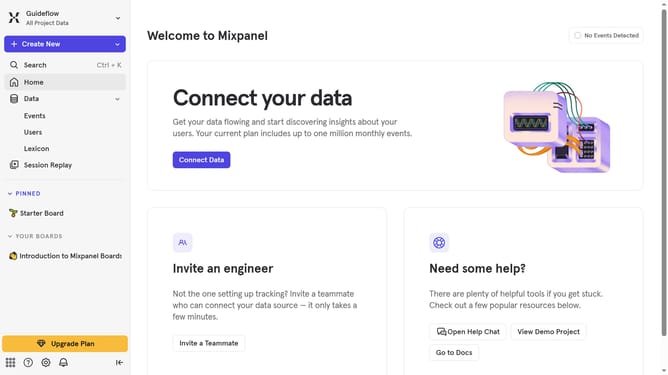
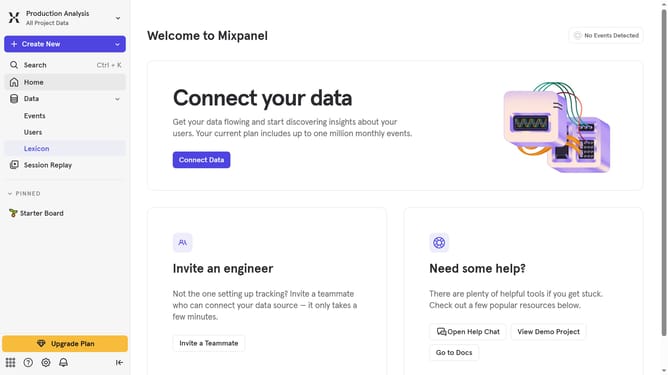
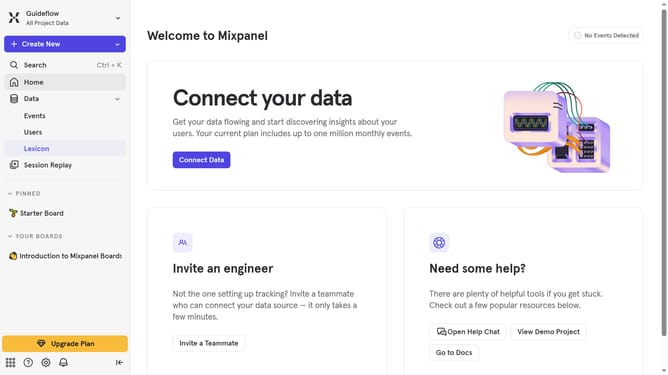
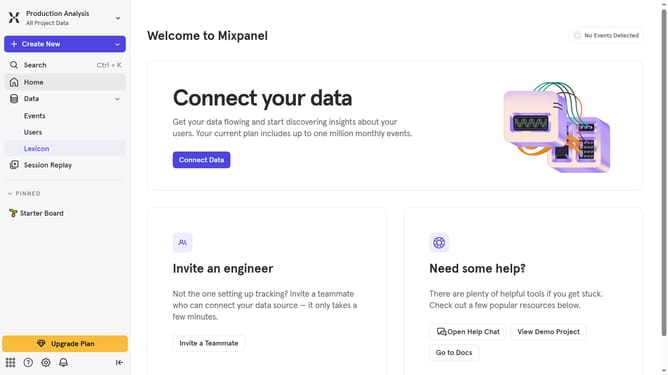
- First click on "Lexicon" in the left sidebar
- Then click on "Behaviors" in the left sidebar
- Next click on the "Filter" button
- Finally select the "Not Created By You" checkbox
Why should you filter behaviors by not created by you in Mixpanel
Mixpanel is a powerful analytics platform designed to track user interactions with web and mobile applications, enabling businesses to understand and improve their customer experience.
The feature to filter behaviors by actions not created by you allows users to pinpoint and analyze user activities without the creator’s participation skewing data, ensuring a clean dataset.
This not only optimizes data integrity but also encourages more precise decision-making by spotlighting genuine user behaviors. Such insights help refine features and better tailor products to actual user needs.
Last update