How to hide 30 day queries column in custom event properties in Mixpanel
Here is how to hide 30 day queries column in custom event properties in mixpanel
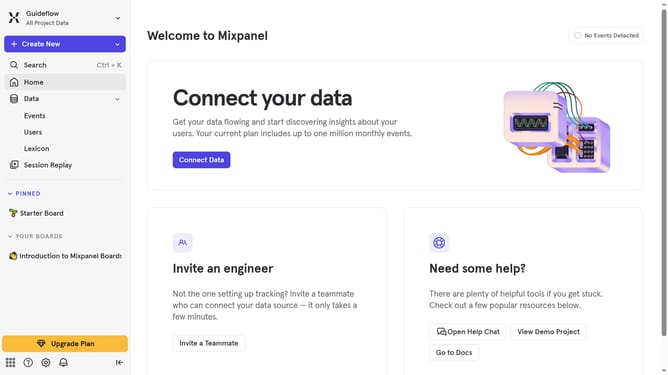
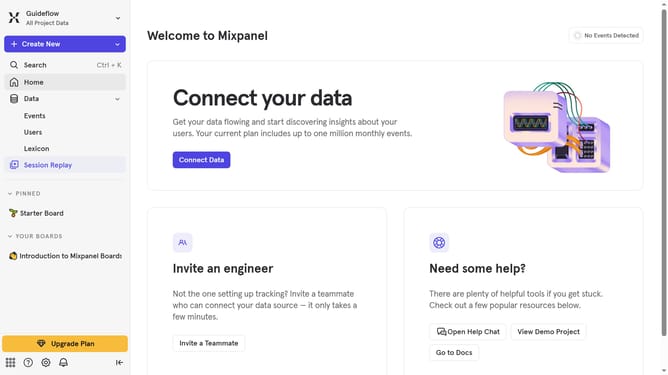
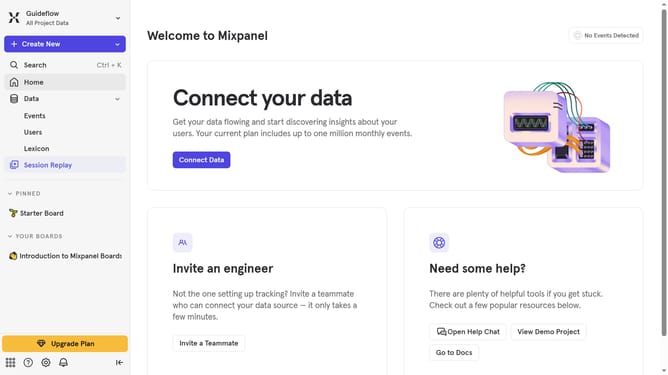
- First click on "Lexicon" in the left sidebar
- Then click on "Custom Event Properties" in the left sidebar
- Next click on the "Edit Columns" button
- Finally uncheck the checkbox next to "30 day queries"
Why should you hide 30 day queries column in custom event properties in Mixpanel
Mixpanel is a robust analytics platform designed to help businesses understand user behavior and improve product experiences.
Hiding the 30-day queries column in custom event properties streamlines your data view, allowing for an uncluttered workspace.
This feature is particularly beneficial for those who require focused analysis, enabling users to concentrate on specific metrics without distraction.
By simplifying your interface, you improve workflow efficiency and make data-driven decisions faster and more effectively.
Last update