How to hide first queried column in events in Mixpanel
Here is how to hide first queried column in events in mixpanel
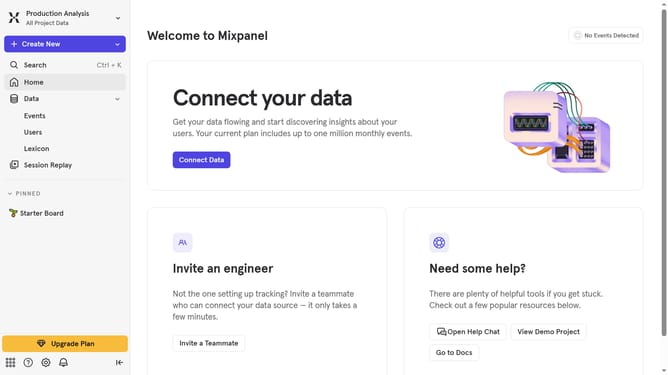
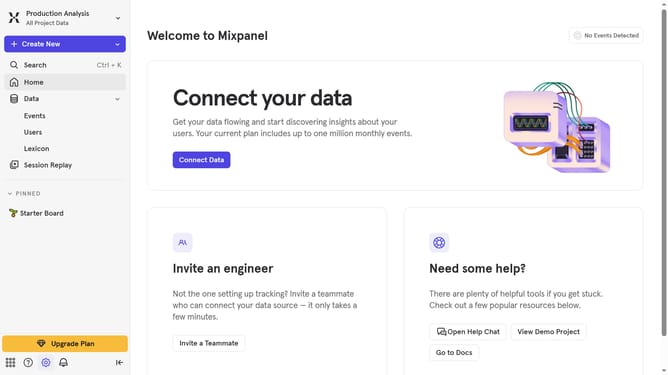
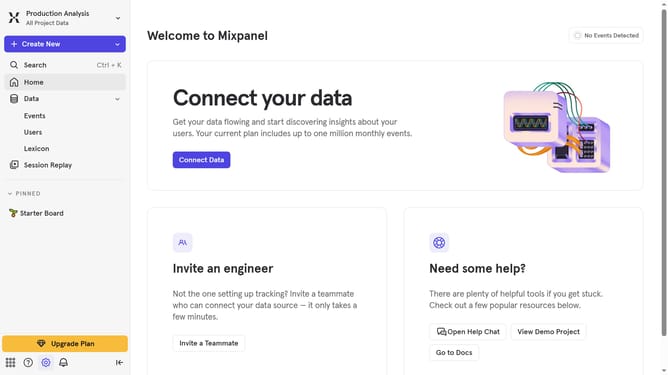
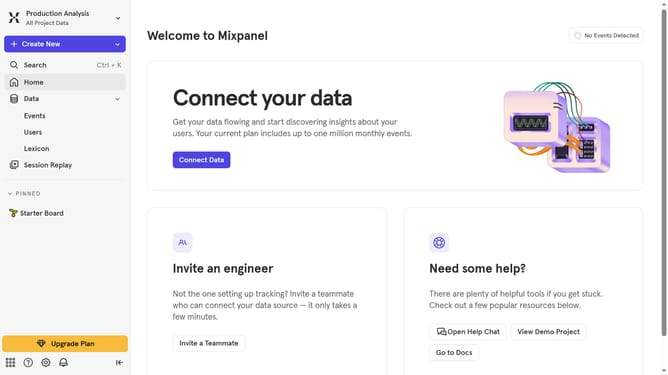
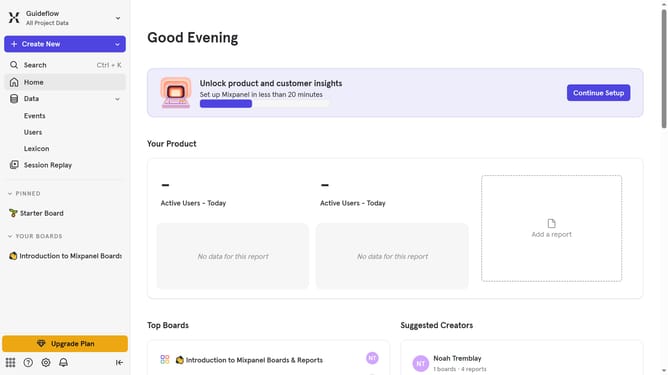
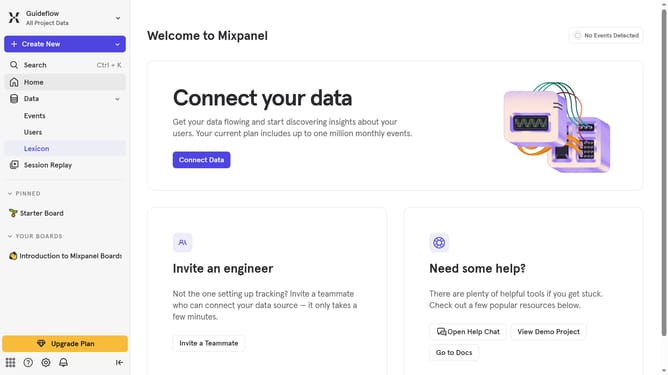
- First click on "Lexicon" in the sidebar
- Then click on "Edit Columns" button
- Finally uncheck the "First queried" checkbox
Why should you hide first queried column in events in Mixpanel
Mixpanel is a powerful analytics platform designed to help you understand and optimize user engagement.
One of its features allows you to hide the first queried column in events, enhancing the clarity of your data presentation.
This feature is particularly useful for keeping your focus on the most relevant data points, aiding efficient analysis by eliminating unnecessary distraction.
By simplifying the view, you can make quicker and more informed decisions based on the trends and patterns that truly matter.
Last update