How to show created column in custom event properties in Mixpanel
Here is how to show created column in custom event properties in mixpanel
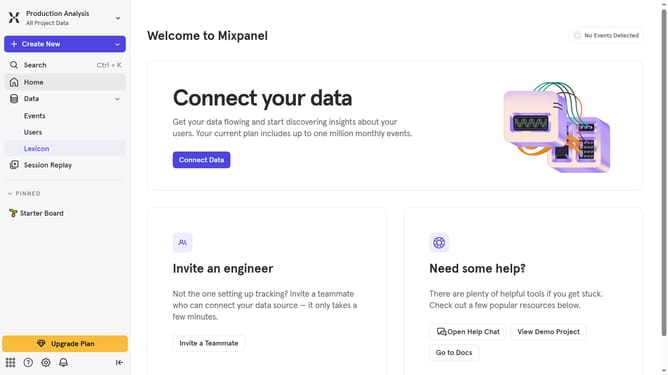
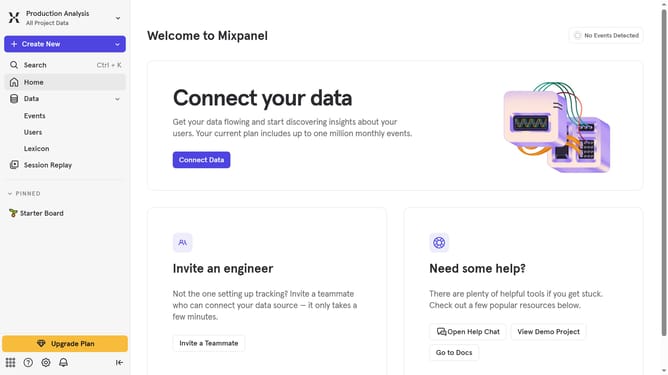
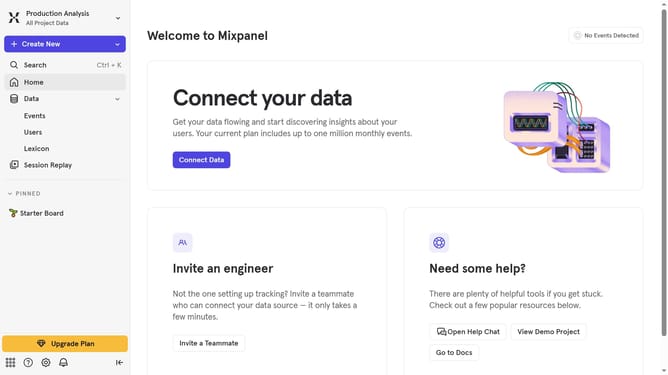
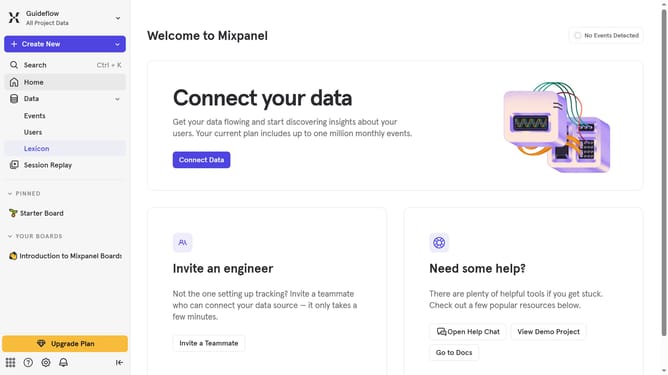
- First click on "Lexicon" in the left sidebar
- Then click on "Custom Event Properties" in the left sidebar
- Then click on "Edit Columns" button
- Finally select "Created" checkbox
Why should you show created column in custom event properties in Mixpanel
Mixpanel is a powerful analytics tool designed to help businesses understand user behavior better.
By showcasing a created column in custom event properties, Mixpanel allows users to capture and visualize data points that are crucial for detailed analysis.
This feature is essential for personalizing analytics, enabling more tailored insights that drive smarter decision-making processes.
Effortlessly enhancing the tracking capacity, it empowers users to refine their strategies by understanding unique data attributes swiftly and effectively.
Last update