How to filter users by individual grant in Mixpanel
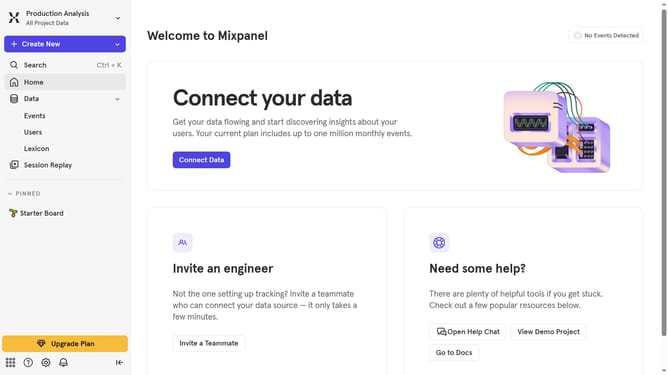
Here is how to filter users by individual grant in mixpanel
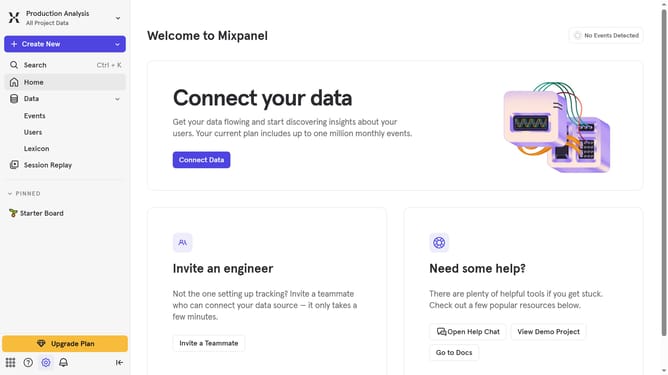
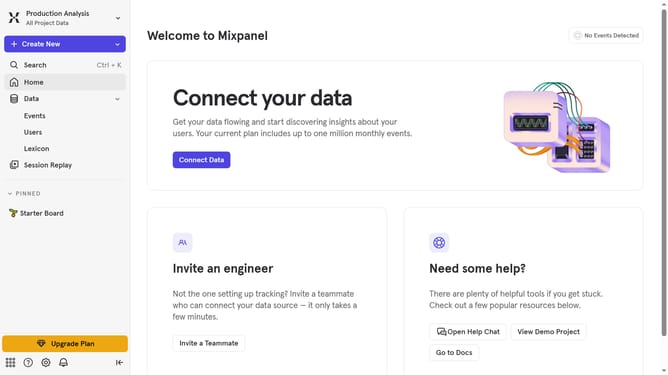
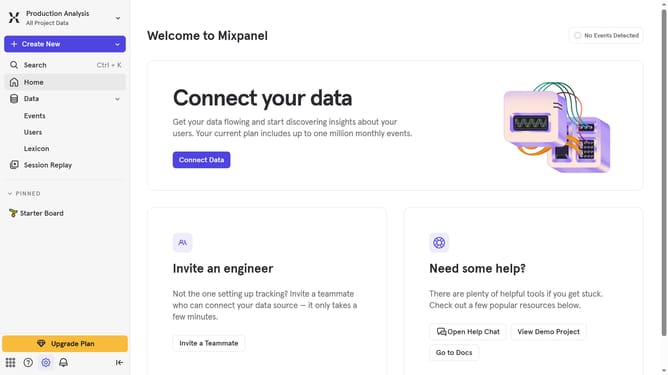
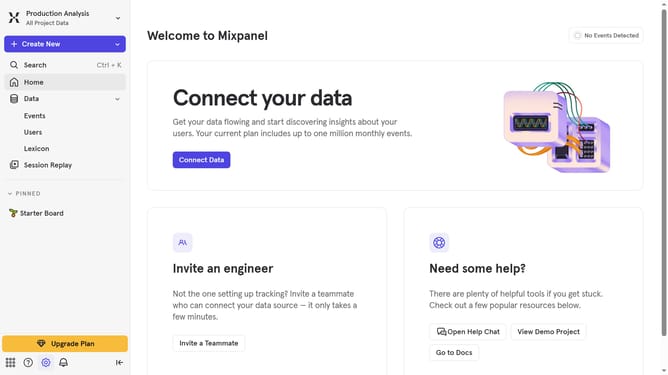
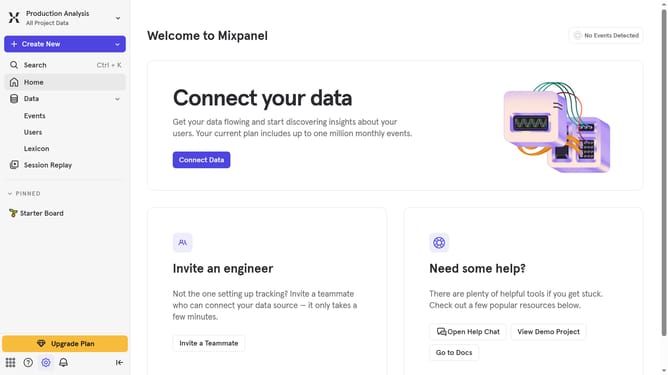
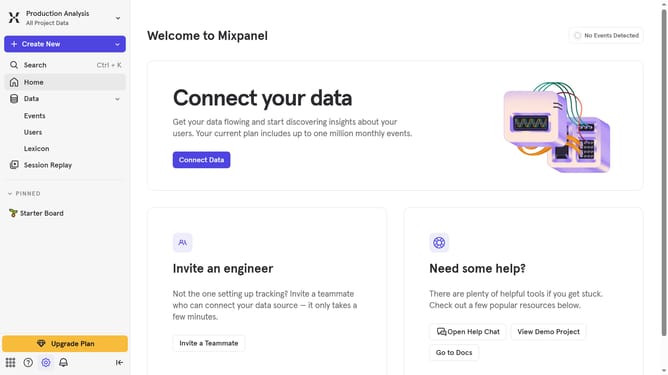
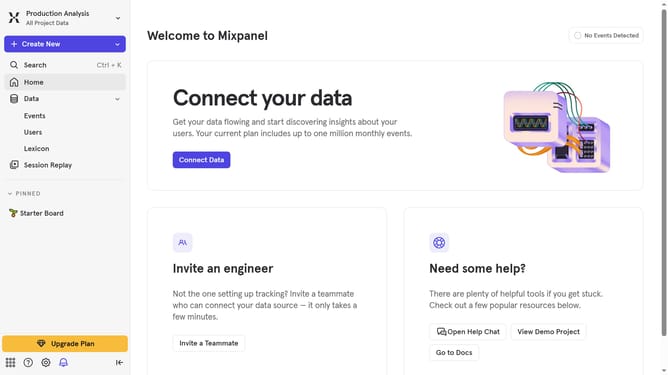
- First click on the settings icon in the bottom left sidebar
- Then hover your mouse cursor over the "Settings" menu
- Next, click on the "Project Settings" option
- Then select the "Project Users" option from the left sidebar menu
- After that, click on the filter dropdown menu
- Finally, click on the "Individual Grant" option
Why should you filter users by individual grant in Mixpanel
Mixpanel is an advanced analytics platform designed to track user interactions with web and mobile applications in real-time.
One of its powerful features is the ability to filter users by individual grant. This allows companies to customize their data analysis by differentiating user behaviors based on specific criteria.
Utilizing this feature leads to a more focused and efficient analysis, helping businesses optimize their strategies and deliver personalized experiences to their users.
Last update