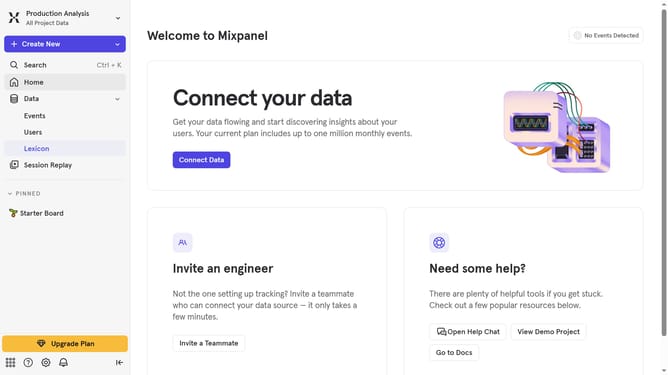
How to change the start of the quarter in time period settings in Mixpanel
Here is how to change the start of the quarter in time period settings in mixpanel
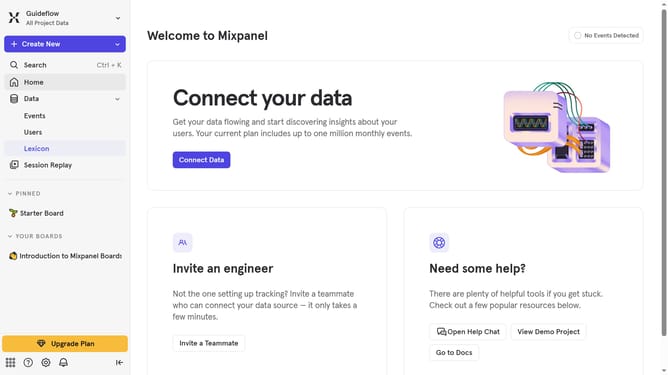
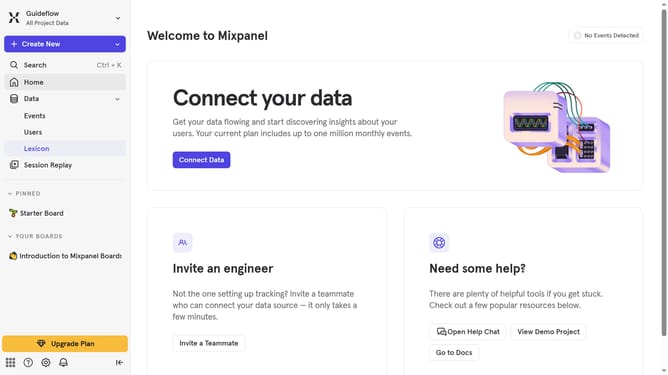
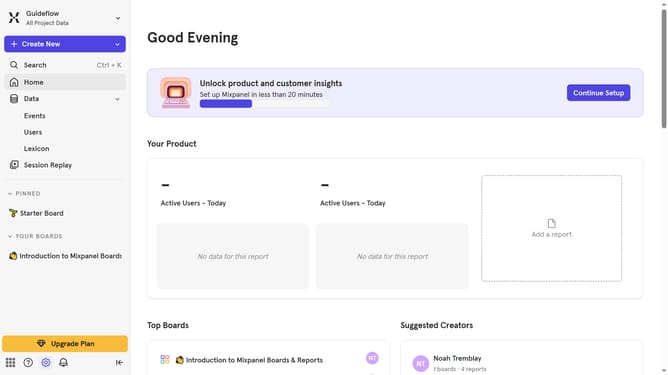
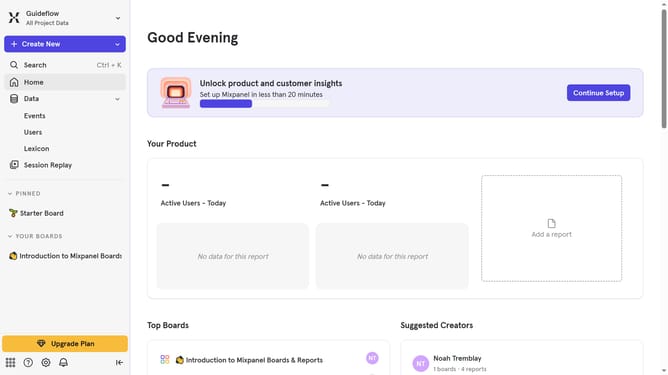
- First click on the gear icon in the left sidebar
- Then hover your mouse cursor over the "Settings"
- Next, click on "Project Settings" from the dropdown
- Then scroll down to view more options
- After that, click on the pencil icon to edit the entry
- Then select select your preferred month from the dropdown list
- Finally click on the "Save" button
Why should you change the start of the quarter in time period settings in Mixpanel
Mixpanel is an advanced analytics tool designed to provide insights into user interactions and behaviors for informed decision-making.
One standout feature of Mixpanel is the ability to change the start of the quarter in time period settings, which adds flexibility to your reporting.
This feature can help align business quarters with fiscal years or specific project cycles, enabling more relevant comparisons and more accurate tracking of growth and performance metrics.
Ultimately, it facilitates customized reporting that matches your organization's unique timeline requirements, enhancing the strategic application of data insight.
Last update