How to show example value column in custom event properties in Mixpanel
Here is how to show example value column in custom event properties in mixpanel
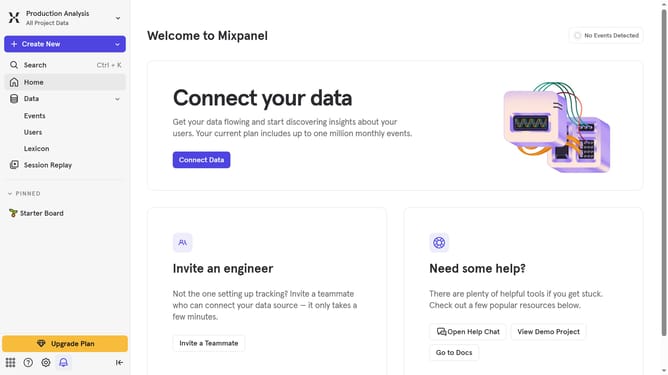
- First click on "Lexicon" in the left sidebar
- Then click on "Custom Event Properties" in the left sidebar
- Next, click on the "Edit Columns" button
- Finally, select the checkbox next to "Example Value"
Why should you show example value column in custom event properties in Mixpanel
Mixpanel is a powerful analytics tool designed to help businesses understand user behavior and optimize their products.
Adding an example value column in custom event properties allows users to quickly interpret and analyze data at a glance. This feature provides immediate context, making it easier to decode what different properties represent without diving into the raw data itself.
By visualizing example values, teams can enhance collaboration, ensure data consistency, and expedite data-driven decision-making processes.
Last update