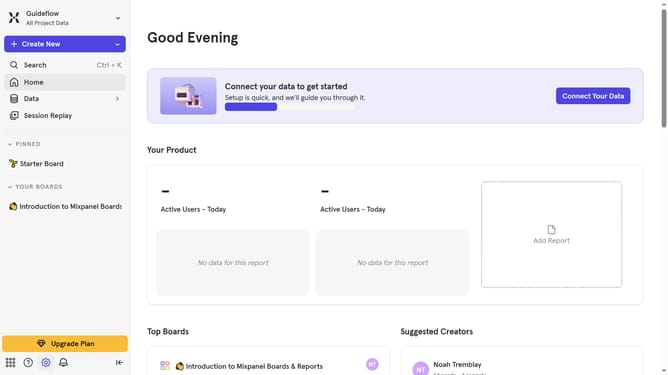
How to reconnect Productboard in Mixpanel
Here is how to reconnect productboard in mixpanel
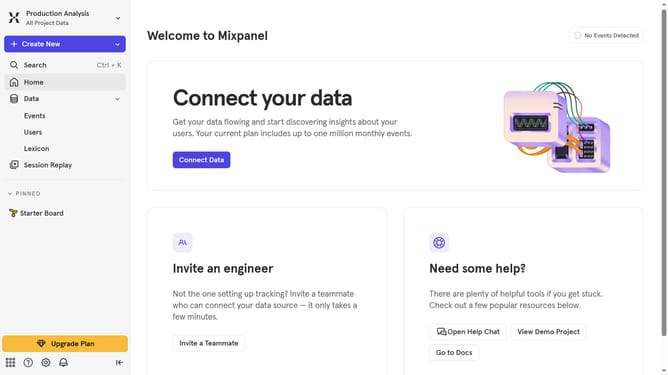
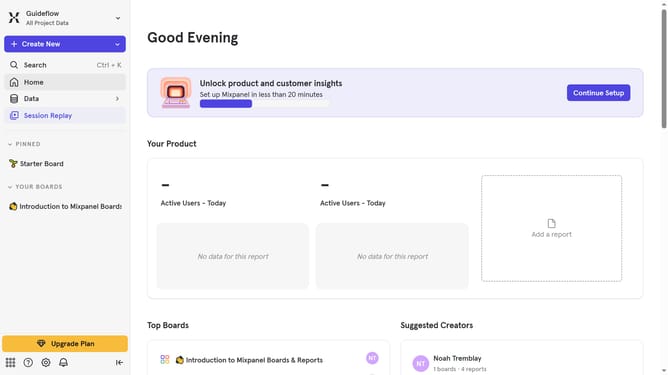
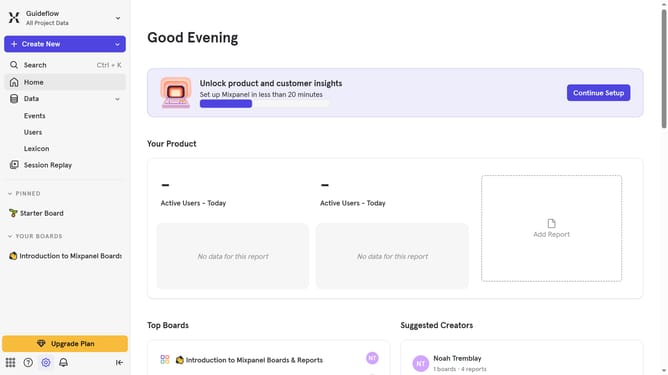
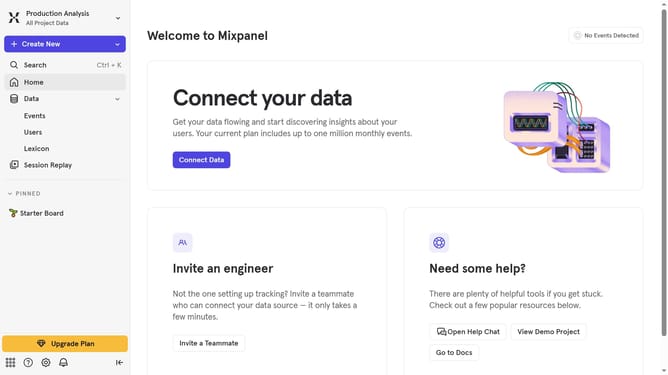
- First click on the settings icon in the left sidebar
- Then click on "Integrations" in the left navigation menu
- Then scroll down to view more options
- Then click on the "Productboard" integration
- Then click on the "Re-connect" button
- Then click on the "ACCESS TOKEN" text input field and type in your access token
- Finally click on the "Continue" button
Why should you reconnect Productboard in Mixpanel
Mixpanel is a powerful tool designed to monitor user interactions and analyze business metrics effectively.
Reconnecting Productboard in Mixpanel ensures a seamless flow of valuable product data into your analytics, enhancing your decision-making process.
This feature is advantageous as it allows continuous monitoring and evaluating of user feedback, leading to a more refined product strategy.
Overall, leveraging such integrations elevates your product development process, turning insights into action effortlessly.
Last update