How to filter users by organization role in Mixpanel
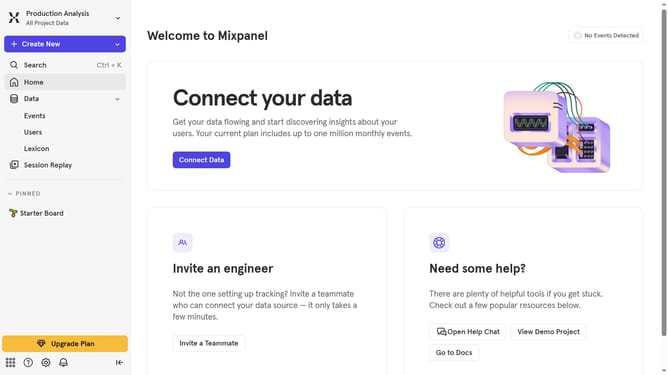
Here is how to filter users by organization role in mixpanel
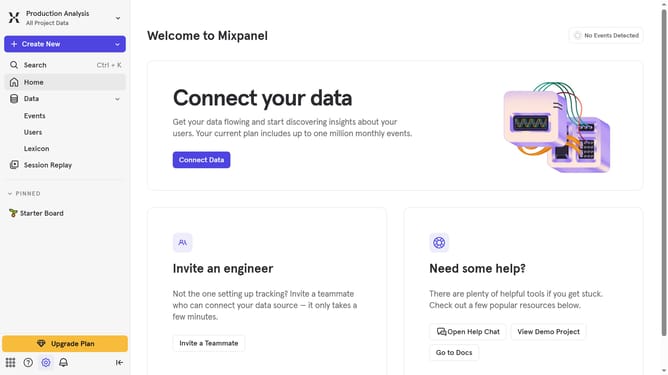
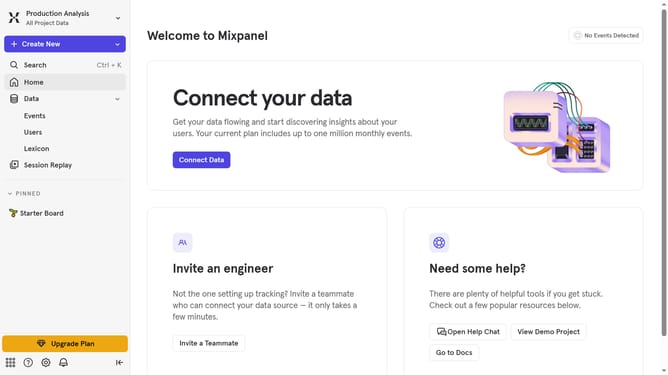
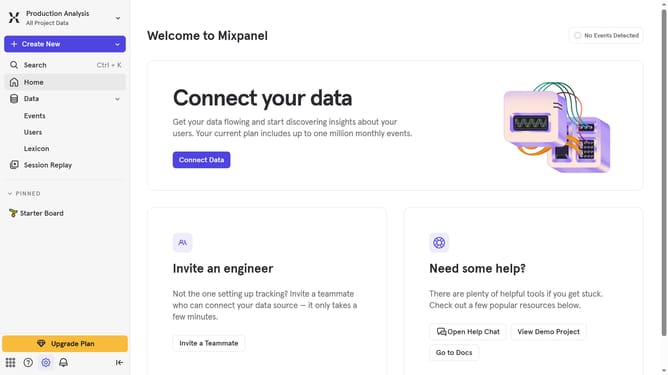
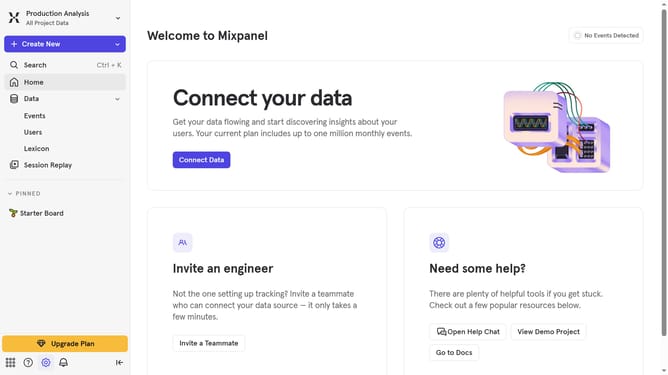
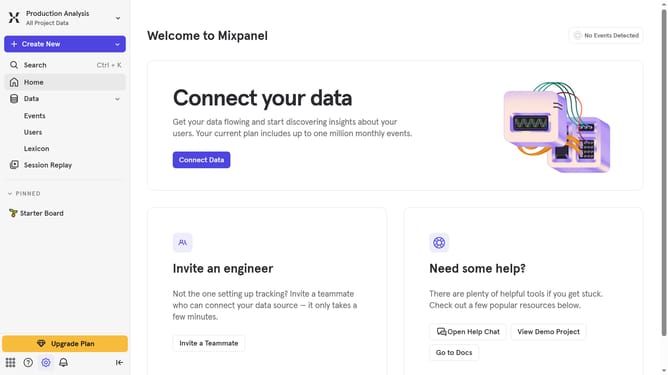
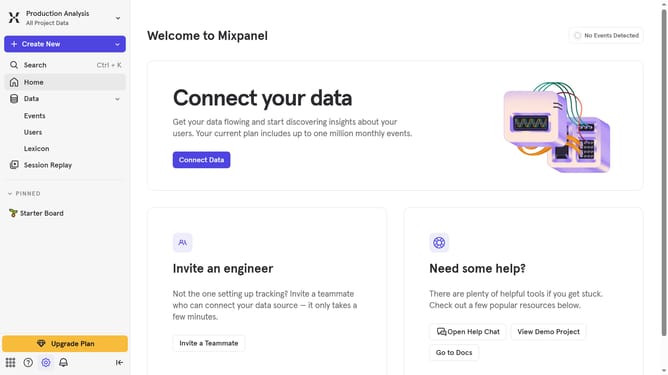
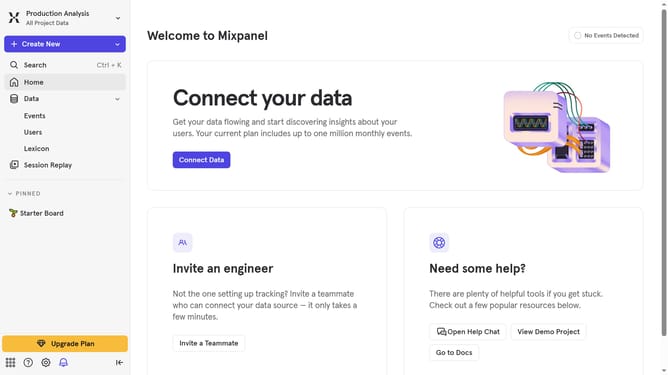
- First click on the settings icon in the bottom left sidebar
- Then hover your mouse over the "Settings" option
- Next, select "Project Settings" from the list that appears
- After that, click on "Project Users" in the left-hand navigation pane
- Then, click on the filter dropdown menu
- Finally, select "Organization Role" from the dropdown list
Why should you filter users by organization role in Mixpanel
Mixpanel is a powerful analytics platform designed to help businesses understand user behavior.
Among its numerous features, the ability to filter users by organization role stands out for its convenience and effectiveness. This feature allows you to segment users based on their roles, ensuring that you can target and analyze specific groups easily.
Utilizing this feature means that you can streamline your data analysis process, gaining insights that are directly relevant to different user roles, enhancing your decision-making capabilities significantly.
Last update