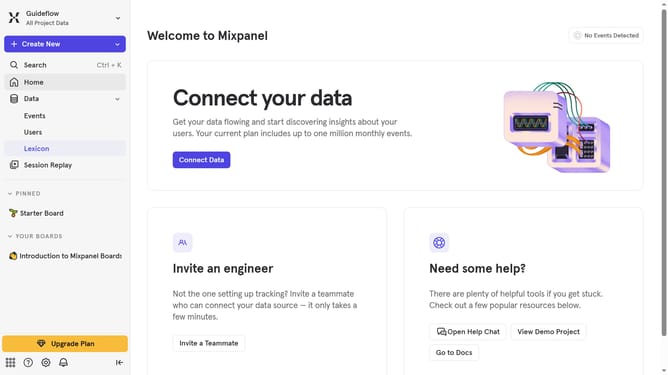
How to hide platforms column in events in Mixpanel
Here is how to hide platforms column in events in mixpanel
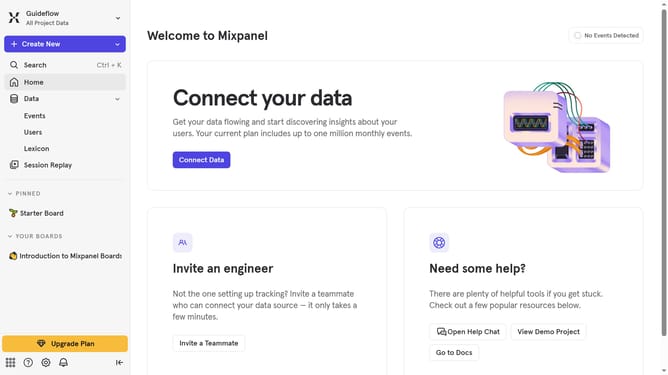
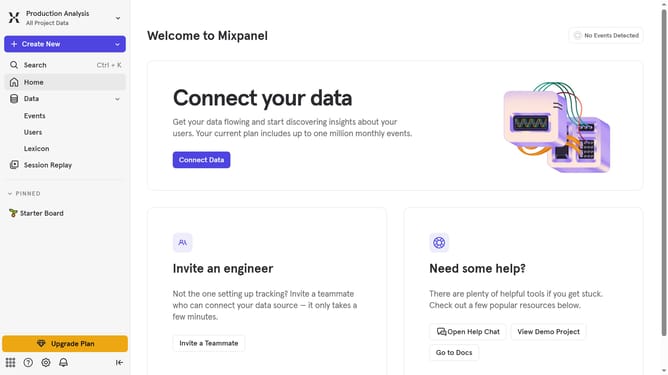
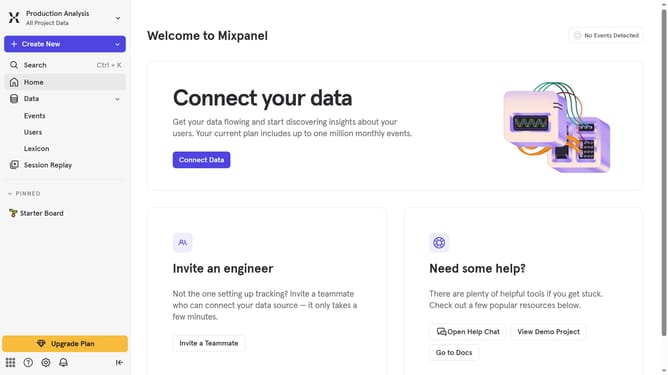
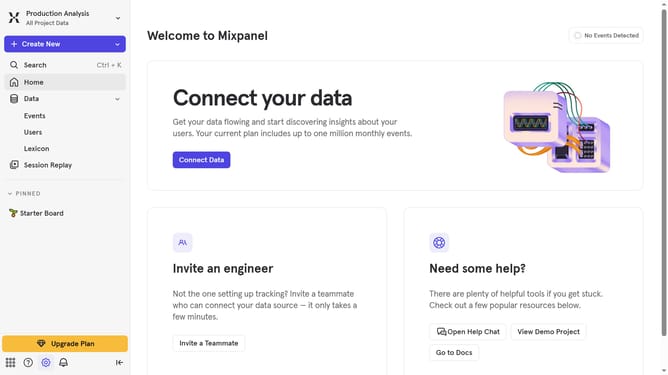
- First click on "Lexicon" in the left sidebar menu
- Then click on the "Edit Columns" button
- Next, scroll down in the dropdown menu
- Finally, uncheck the "Platforms" checkbox to hide it
Why should you hide platforms column in events in Mixpanel
Mixpanel is a cutting-edge analytics platform designed to empower businesses through detailed user data insights.
The ability to hide the platforms column in events within Mixpanel offers users a streamlined interface, highlighting only the most pertinent data.
This feature is crucial for those who want to avoid clutter and maintain focus on specific metrics or user behaviors.
By hiding unnecessary information, Mixpanel users can enjoy improved efficiency and clarity, ensuring that decision-making processes are based on clear and concise data interpretation.
Last update