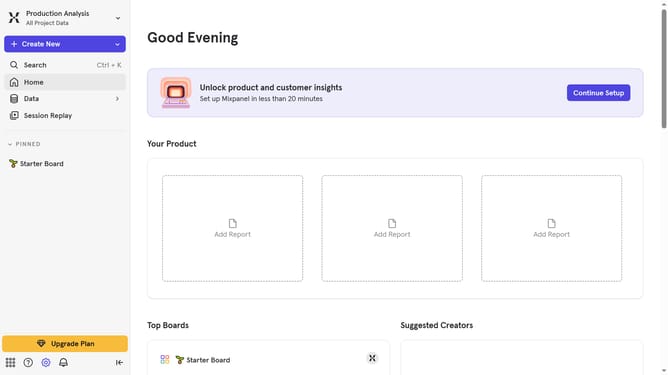
How to show queries column in profile properties in Mixpanel
Here is how to show queries column in profile properties in mixpanel
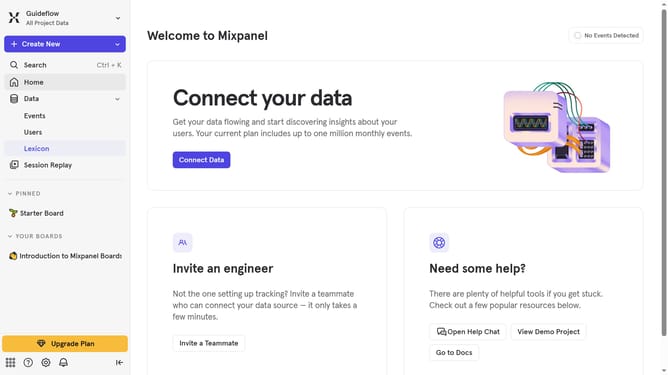
- First click on "Lexicon" in the left sidebar
- Then click on "Profile Properties" in the left sidebar
- Next, click on the "Edit Columns" button
- Finally, click on the "Queries" checkbox
Why should you show queries column in profile properties in Mixpanel
Mixpanel is a powerful analytics tool designed to help businesses track user interactions and measure product health to make data-driven decisions.
The feature of showing queries columns in profile properties enriches the data presentation in Mixpanel, offering a clear view of user-level data queries directly within profiles, which enhances actionable insights.
This functionality allows teams to effortlessly assess and analyze individual user behavior, ensuring personalized experiences and effective engagement strategies.
By seamlessly integrating these insights, businesses can optimize their customer interaction, leading to improved user satisfaction and retention.
Last update