How to filter behaviors by anyone in Mixpanel
Here is how to filter behaviors by anyone in mixpanel
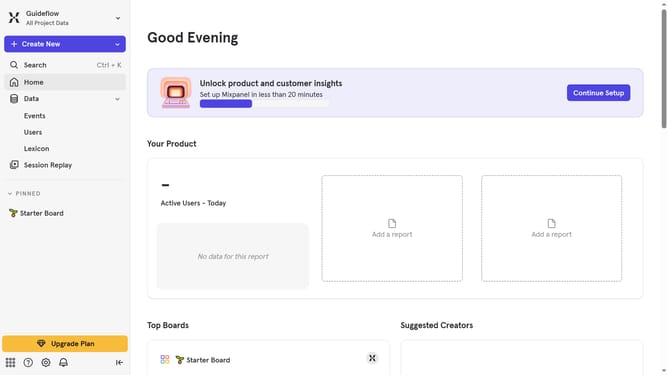
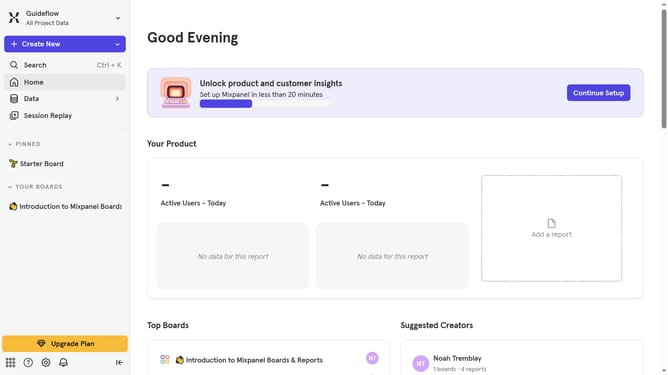
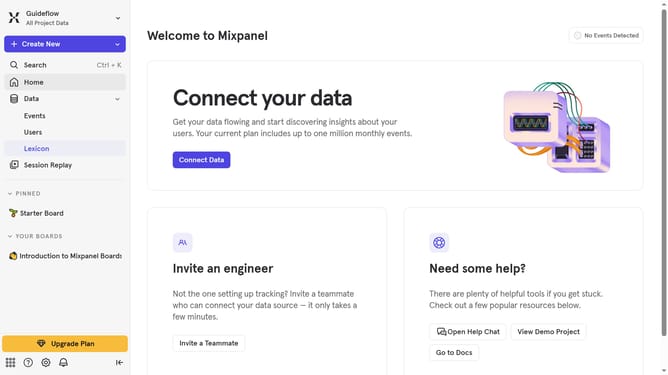
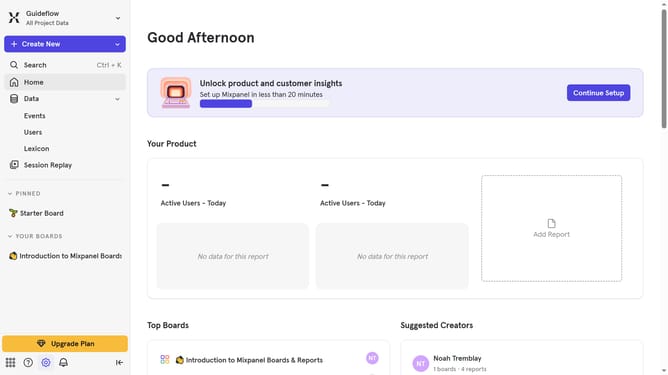
- First click on "Lexicon" item in the left sidebar
- Then click on "Behaviors" item in the left sidebar
- Next, click on the "Filter" button
- Finally, select the "Created By Anyone" checkbox
Why should you filter behaviors by anyone in Mixpanel
Mixpanel is a powerful analytics tool designed to track user interactions with web and mobile applications.
A standout feature is the ability to filter behaviors by anyone, enabling you to understand user actions at a granular level. This feature streamlines data analysis by allowing precise segmentation of user actions, helping businesses tailor their strategies to meet specific needs.
Utilizing this feature allows for more targeted marketing efforts and informed decision-making, fostering greater user engagement and successful outcomes.
Last update