How to invite users to a project in Mixpanel
Here is how to invite users to a project in mixpanel
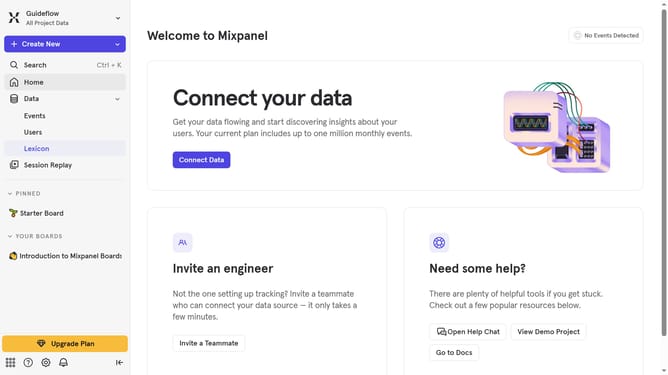
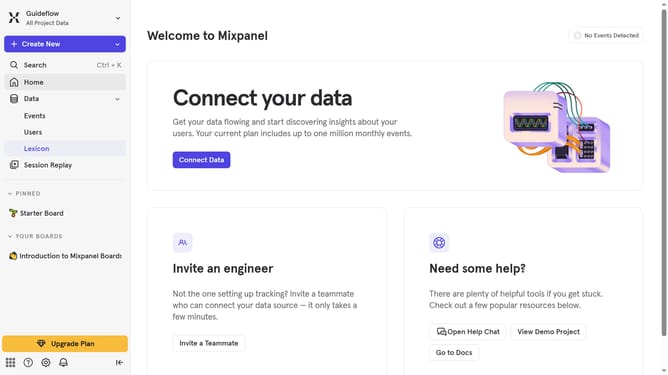
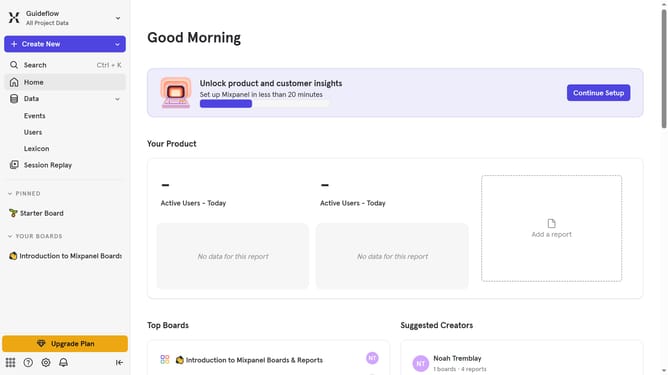
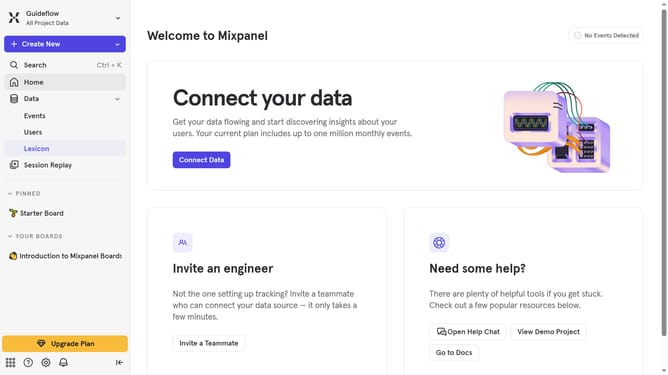
- First click on the "Settings" icon in the bottom left menu
- Then click on "Invite Users" from the sidebar menu
- Then, click on the "EMAIL ADDRESS" input field and type in the email of the user
- Then, click on the "Select role" dropdown for organization role
- Next, select the desired role from the dropdown menu
- Then, click on the "Select projects" dropdown
- Next, click on the checkbox next to the project you want to invite the user
- Then, click on the "Select role" dropdown for project role
- Next, select the desired role for the user
- Finally, click on the "Invite" button
Why should you invite users to a project in Mixpanel
Mixpanel is a powerful analytics platform designed to help businesses understand user behavior and improve their products.
One of its essential features is the ability to invite users to a project, allowing for seamless collaboration and data-driven decision-making within your team.
By inviting users, you enable them to access real-time insights and contribute to meaningful analyses, enhancing overall productivity. Additionally, involving multiple team members ensures diverse perspectives, leading to more comprehensive strategies and a deeper understanding of user interactions.
Last update