How to view usage in Mixpanel
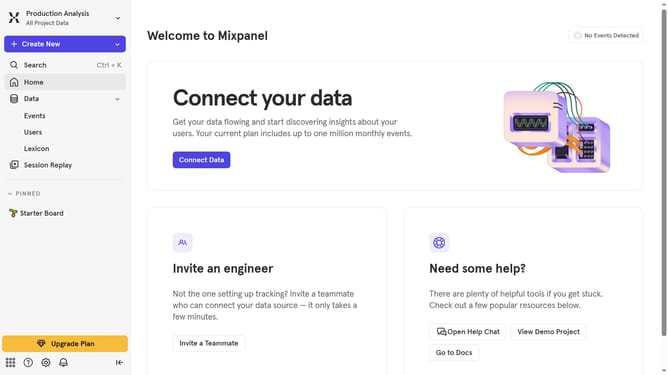
Here is how to view usage in mixpanel
- Finally, click on the "Explore Usage" button
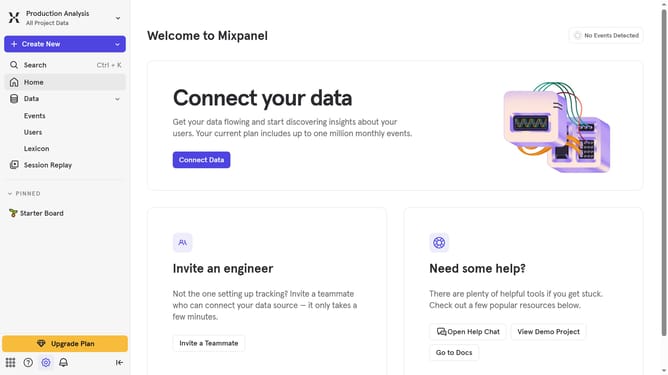
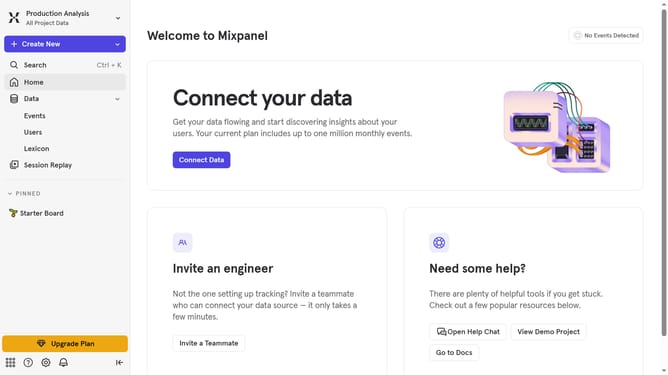
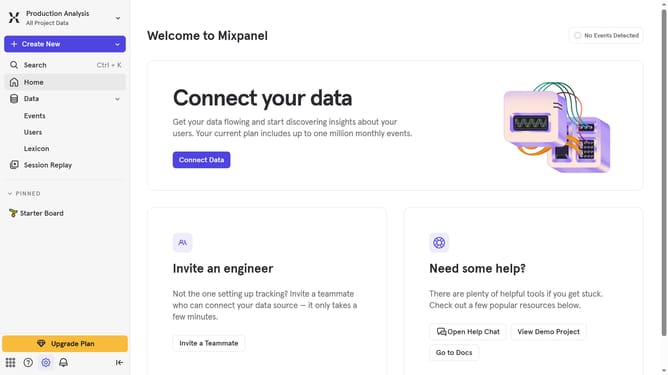
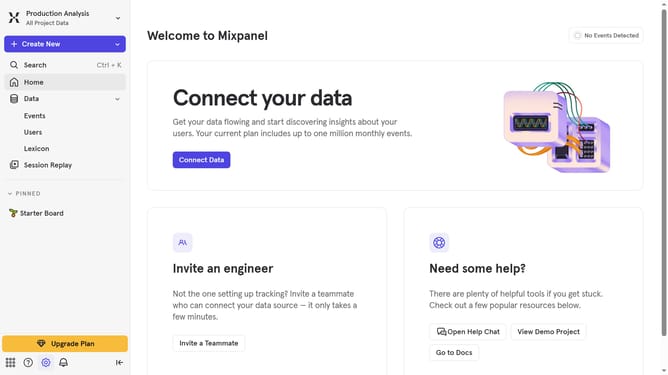
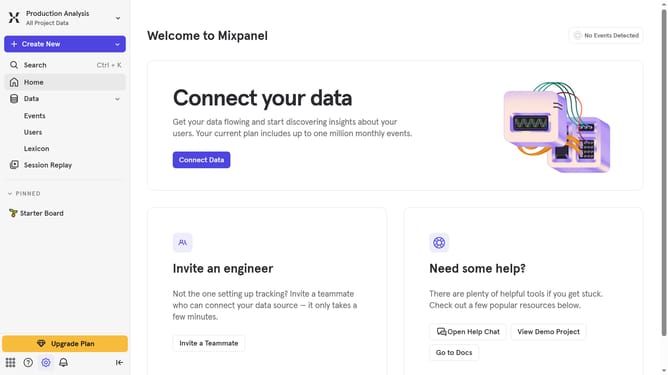
- Then hover your mouse over the "Settings" option
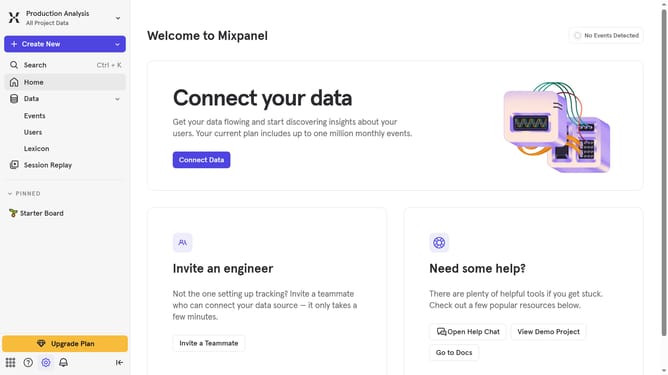
- Next, click on "Project Settings" in the settings menu
- After that, navigate to "Mixpanel Usage" in the left sidebar
- Finally, click on the "Explore Usage" button
Last update