How to remove filtered filter from events in Mixpanel
Here is how to remove filtered filter from events in mixpanel
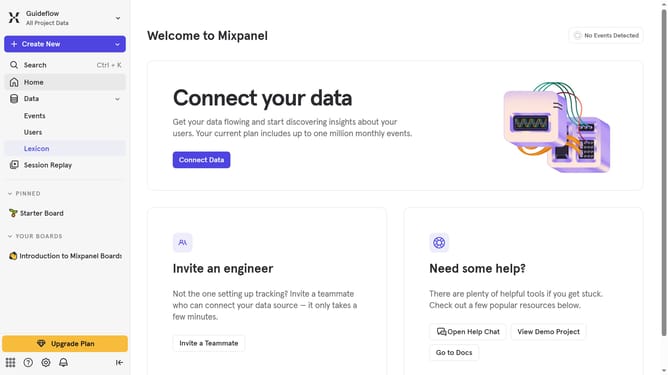
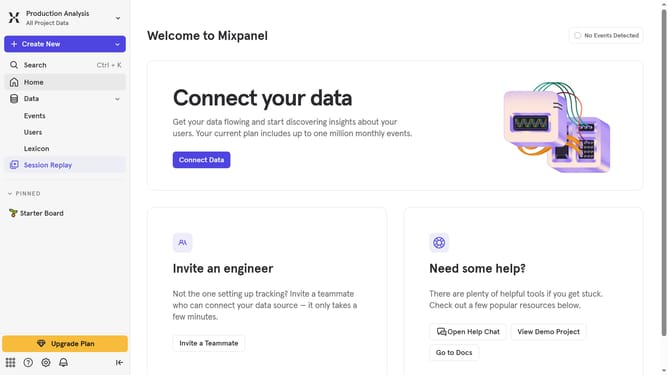
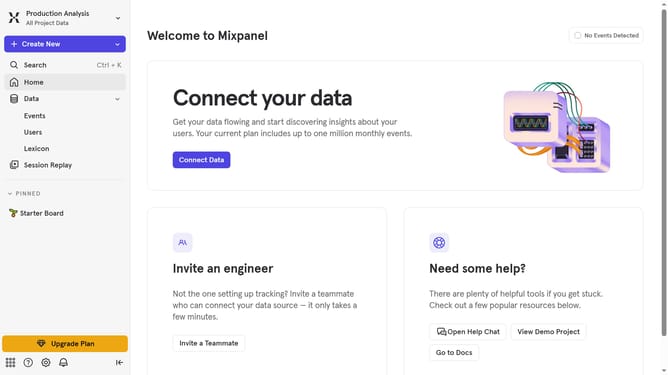
- First click on "Lexicon" in the left sidebar
- Then click on the "Filter" button
- Finally uncheck the checkbox next to "Filtered"
Why should you remove filtered filter from events in Mixpanel
Mixpanel is a powerful analytics tool designed to help businesses understand user engagement through event tracking.
One invaluable feature within Mixpanel is the ability to remove a filtered filter from events, allowing users to easily manipulate and refine their data view.
By removing a filtered filter, you gain the flexibility to explore event data without previous constraints, ensuring a comprehensive and unfiltered look at user interactions.
This enhances accuracy in decision-making and delivers deeper insights into user behavior.
Last update