How to show description column in event properties in Mixpanel
Here is how to show description column in event properties in mixpanel
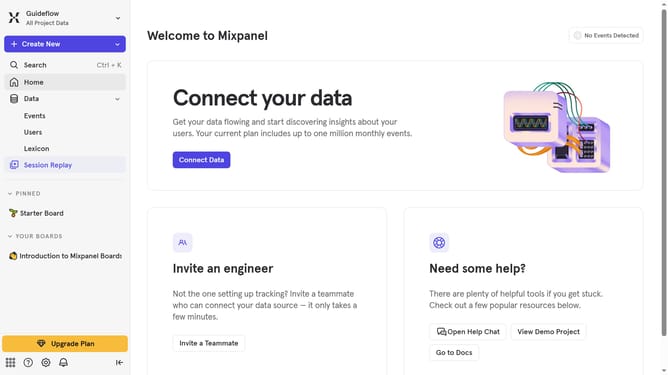
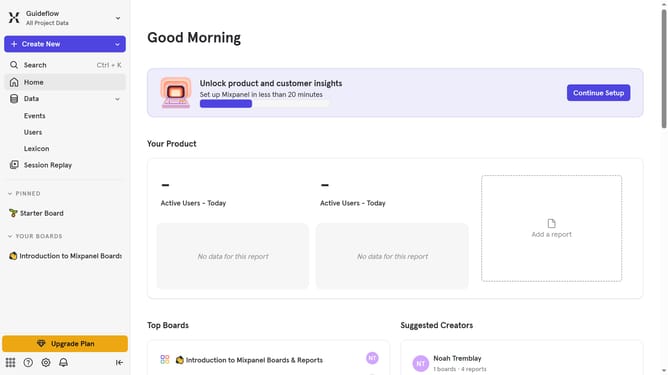
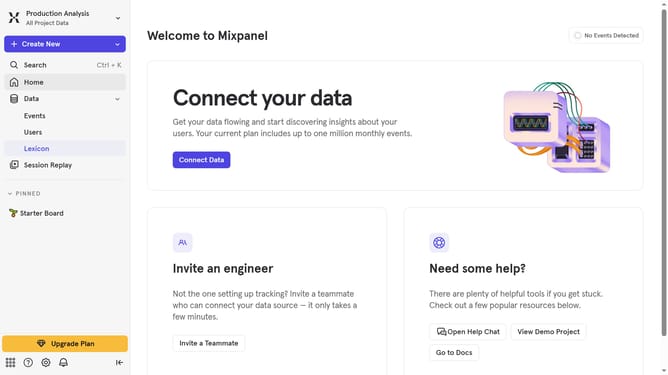
- First click on "Lexicon" in the left sidebar
- Then click on "Event Properties" option in the left sidebar
- Next click on the "Edit Columns" button
- Finally click the "Description" checkbox
Why should you show description column in event properties in Mixpanel
Mixpanel is a powerful analytics platform designed to understand user behavior and fuel business growth.
Displaying the description column in event properties within Mixpanel enhances data analysis by providing context for each event, making it easier to interpret complex datasets.
This feature allows teams to swiftly comprehend the purpose and details of tracked events, fostering more informed decision-making processes. Additionally, having this insight at your fingertips promotes efficient collaboration across teams, ultimately leading to more strategic and impactful business outcomes.
Last update