How to delete a team in Mixpanel
Here is how to delete a team in mixpanel
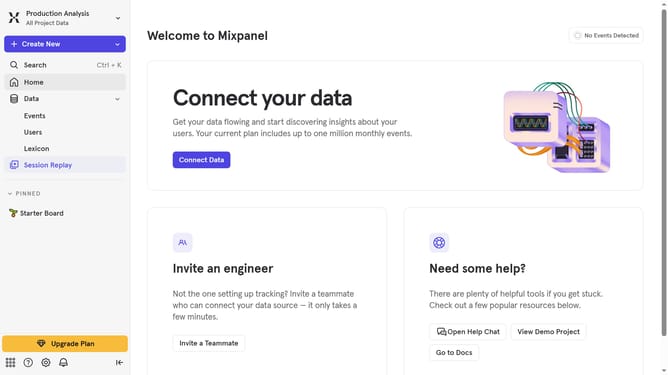
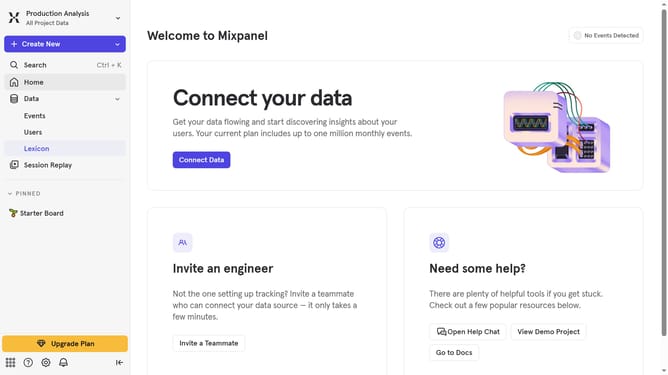
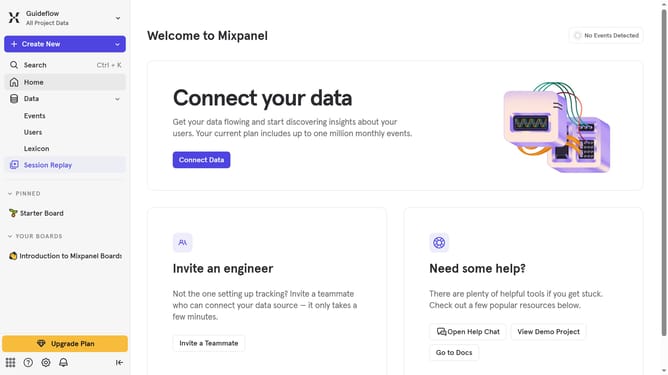
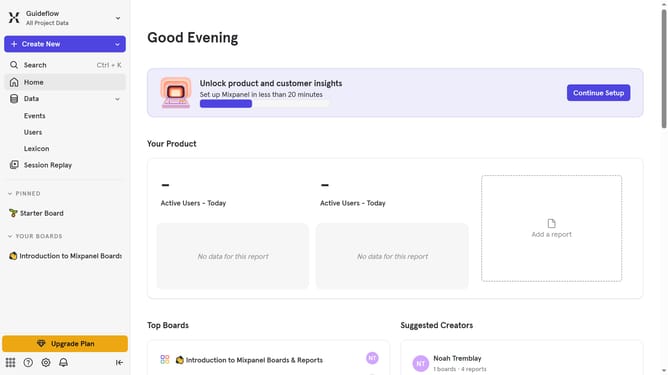
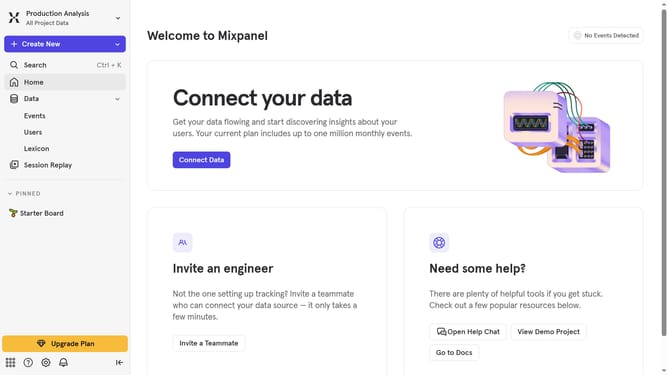
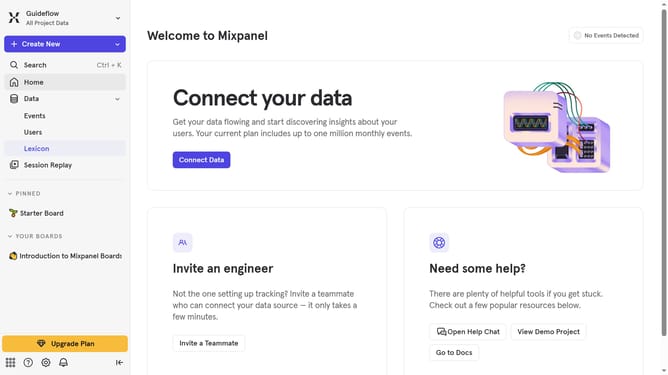
- First click on the settings icon in the left sidebar
- Then hover your mouse over the "Settings" option
- Next click on "Organization Settings"
- Then click on the "Users & Teams" link in the left menu
- After that, click on the "Teams" tab
- Then click on the checkbox next to the team you want to delete
- Next click on the "Delete" button
- Finally click on the "Delete team" button to confirm the deletion
Why should you delete a team in Mixpanel
Mixpanel empowers businesses to understand and improve user experiences through advanced analytics.
An important feature of Mixpanel is the ability to easily delete a team. This ensures your workspace remains relevant and organized by removing outdated or unnecessary teams.
Using this feature helps maintain clarity, streamline workflow, and enhance collaboration efficiency. By keeping only essential teams, you foster an environment conducive to focused and productive analysis.
Last update