How to filter audit logs by profile updated in Mixpanel
Here is how to filter audit logs by profile updated in mixpanel
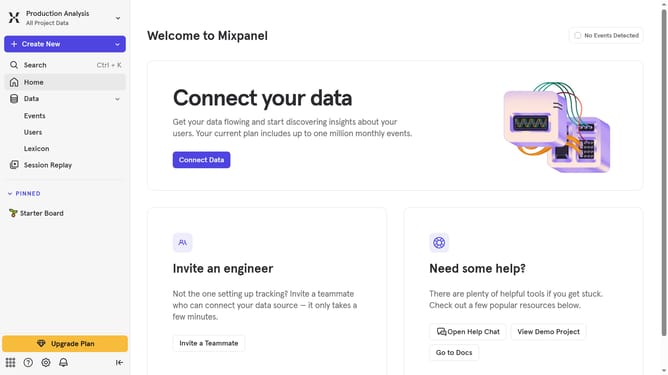
- First click on the gear icon in the bottom left sidebar
- Then hover your mouse cursor over the "Settings" menu
- Next, click on "Organization Settings" in the dropdown menu
- Then click on "Audit Log" in the left sidebar menu
- After that, click on the "Action" dropdown menu
- Then scroll down in the dropdown menu
- Finally, click on the checkbox "Profile Updated"
Why should you filter audit logs by profile updated in Mixpanel
Mixpanel is a powerful analytics tool designed to help businesses understand and optimize user interactions with their applications.
One key feature in Mixpanel is the ability to filter audit logs by profile updates. This feature enhances your ability to track and analyze specific changes made to user profiles over time, allowing for detailed insights into user behavior.
Utilizing this feature offers a streamlined approach to quickly access and review relevant data. By focusing on profile updates, teams can effectively maintain user records, ensuring that reports reflect the most current and significant user interactions.
Last update