How to show created column in lookup tables in Mixpanel
Here is how to show created column in lookup tables in mixpanel
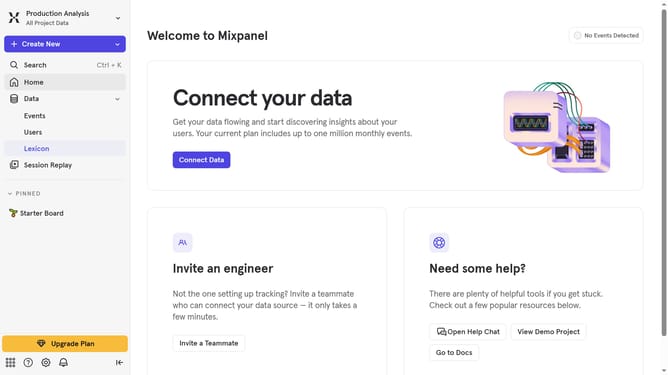
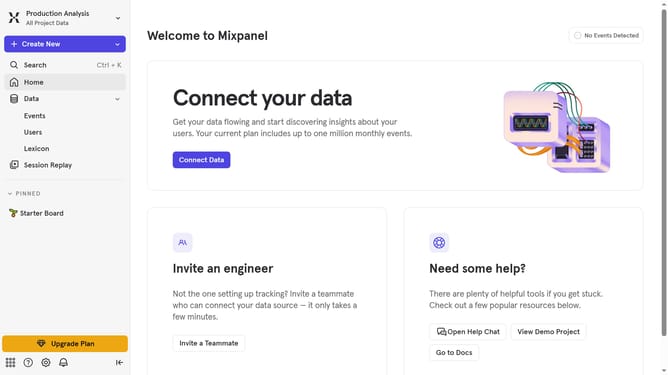
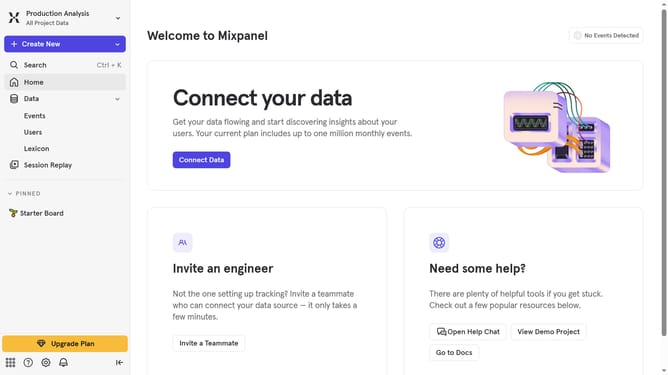
- First click on "Lexicon" in the left sidebar
- Then click on "Lookup Tables" in the left sidebar
- Next, click on the "Edit Columns" button for the "Lookup Tables"
- Finally, select the "Created" checkbox in the column selection menu
Why should you show created column in lookup tables in Mixpanel
Mixpanel is a powerful analytics platform tailored to help businesses understand user behavior through detailed data tracking.
Adding a created column to lookup tables in Mixpanel offers clarity and efficiency in data management.
This feature allows for an organized view of key metrics, promoting better decision-making and strategy formulation.
Incorporating created columns enhances data readability, ensuring insights are easily accessible and actionable.
Last update