How to filter profile properties by classified status in Mixpanel
Here is how to filter profile properties by classified status in mixpanel
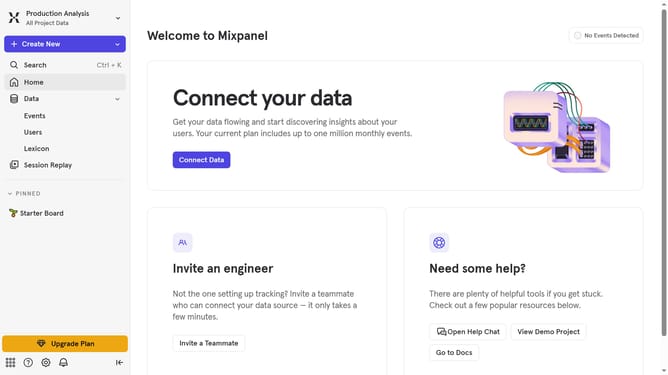
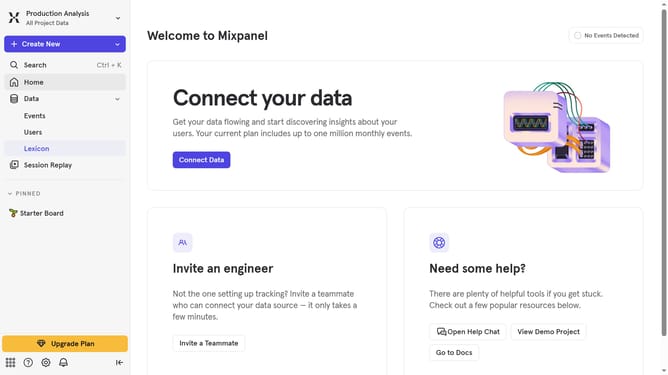
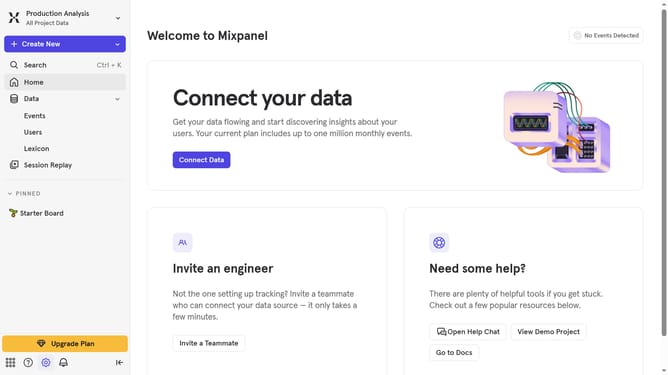
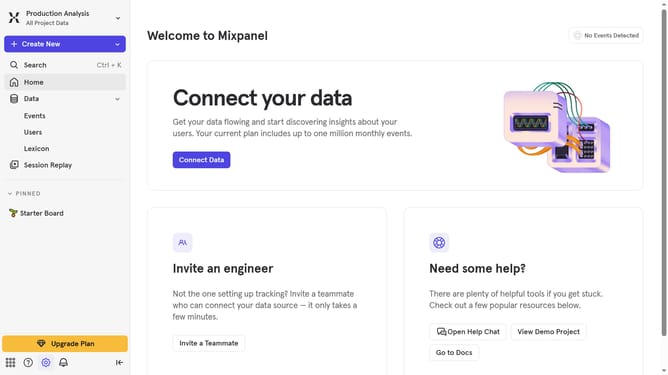
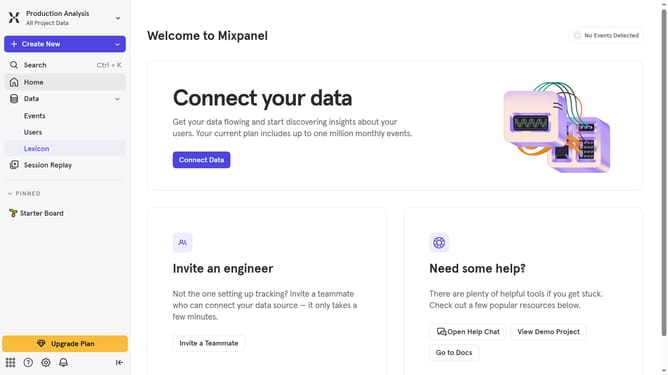
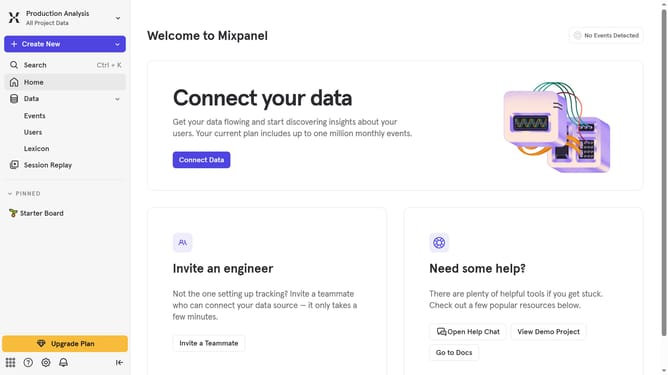
- First click on "Lexicon" in the left sidebar menu
- Then click on "Profile Properties" in the left sidebar menu
- Next, click on the "Filter" button
- Finally, select the "Classified" checkbox
Why should you filter profile properties by classified status in Mixpanel
Mixpanel is a powerful analytics platform designed to help businesses better understand user behavior.
One of its standout features allows users to filter profile properties by classified status. This means users can efficiently sift through data, focusing only on profiles that meet specific criteria.
Using this feature enhances data clarity, enabling teams to make faster decisions and understand their audience on a much deeper level.
Ultimately, it leads to tailored strategies that drive user engagement and enhance overall business performance.
Last update