How to hide created column in metrics in Mixpanel
Here is how to hide created column in metrics in mixpanel
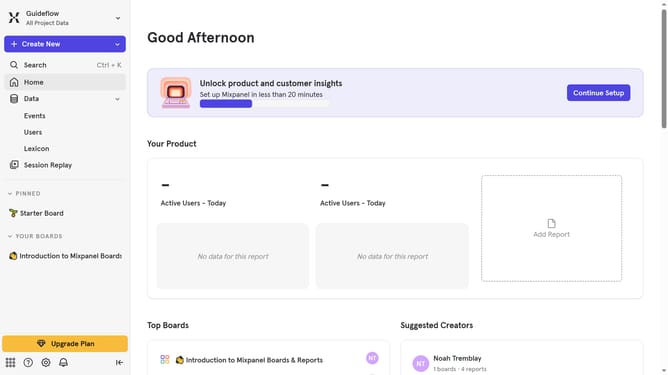
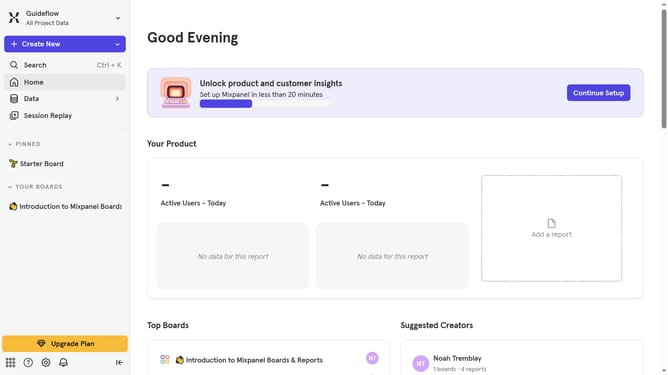
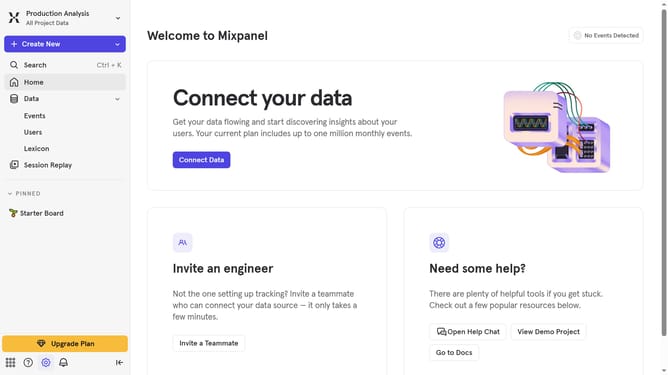
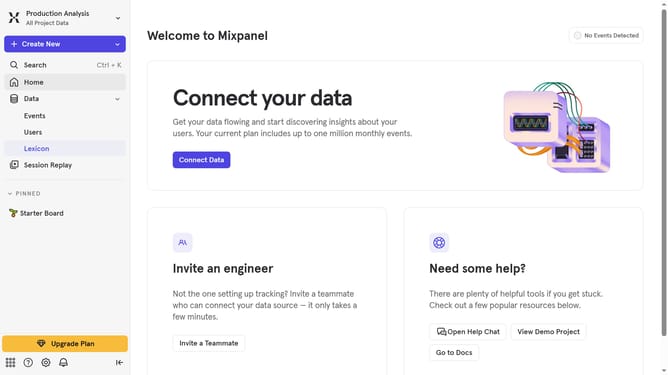
- First, click on the "Lexicon" item in the left sidebar
- Then, click on the "Metrics" item in the left sidebar
- Next, click on the "Edit Columns " button
- Finally, uncheck the checkbox next to "Created"
Why should you hide created column in metrics in Mixpanel
Mixpanel is a powerful analytics platform designed to help businesses track user interactions and leverage data for improved decision-making.
The ability to hide columns in metrics allows users to focus on essential data without distraction. This feature ensures that analytics are clean, concise, and tailored to specific needs.
By minimizing clutter, this option enhances data analysis efficiency and streamlines reporting processes, ultimately leading to clearer insights and better business outcomes.
Last update