How to filter behaviors by created by anyone in Mixpanel
Here is how to filter behaviors by created by anyone in mixpanel
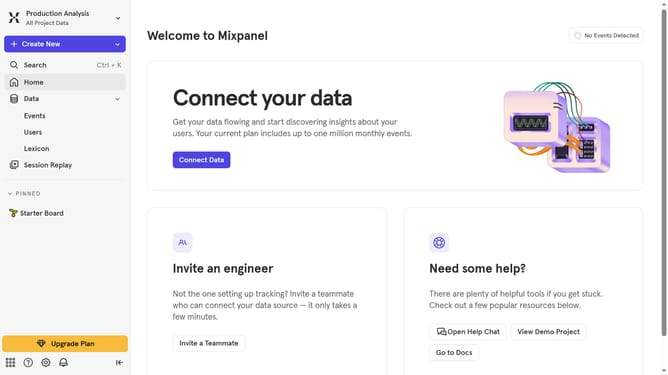
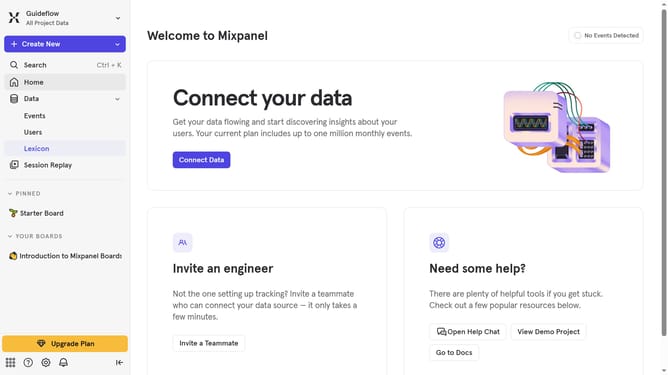
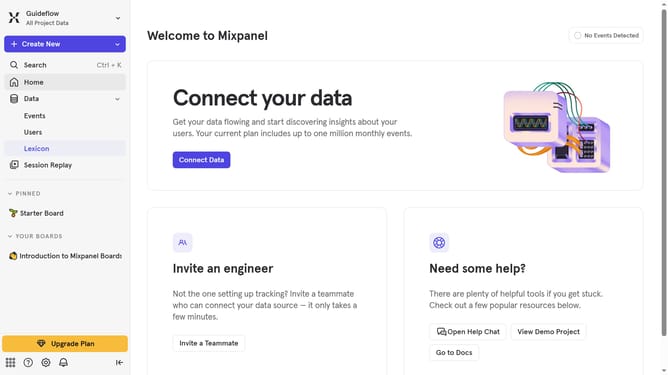
- First click on "Lexicon" from the left sidebar
- Then click on "Behaviors" from the left sidebar
- Next click on "Filter" button
- Finally select "Created By Anyone" checkbox
Why should you filter behaviors by created by anyone in Mixpanel
Mixpanel is a powerful analytics tool designed to delve deep into user behavior.
The ability to filter behaviors by "created by anyone" within Mixpanel means you can seamlessly track and analyze actions carried out by any team member. This feature broadens your insights, eliminating the constraint of individual actions and offering a comprehensive view.
Utilizing this feature can enhance collaboration and foster deeper understanding across teams, ultimately leading to more informed decision-making. It's about fostering a unified, informed approach to improving user experiences.
Last update