How to filter alerts by valid status in Mixpanel
Here is how to filter alerts by valid status in mixpanel
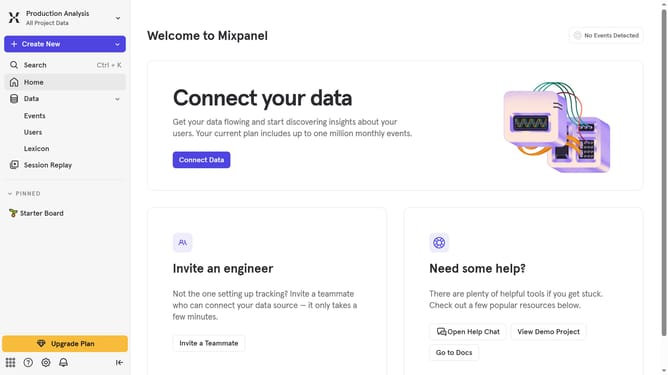
- First, click on the "Settings" icon in the bottom left sidebar
- Then, in the menu that appears, select "Settings"
- Next, from the settings menu, click on "Project Settings"
- In the left-hand Project Settings menu, click on "Alerts"
- After that, click on the "Status" dropdown menu
- Finally, select the "Valid" checkbox
Why should you filter alerts by valid status in Mixpanel
Mixpanel empowers businesses to deeply understand user behavior with advanced analytics tools.
The "filter alerts by valid status" feature in Mixpanel enhances focus for teams by helping them categorize and manage alerts based on their validity.
By utilizing this feature, you can efficiently prioritize genuine alerts, ensuring that your team's attention is directed toward the most pertinent issues.
This streamlined approach reduces noise, fostering a more organized and effective monitoring system for your business insights.
Last update