How to connect CleverTap in Mixpanel
Here is how to connect clevertap in mixpanel
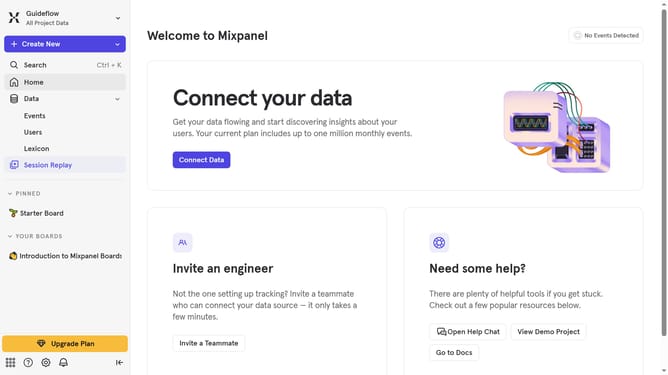
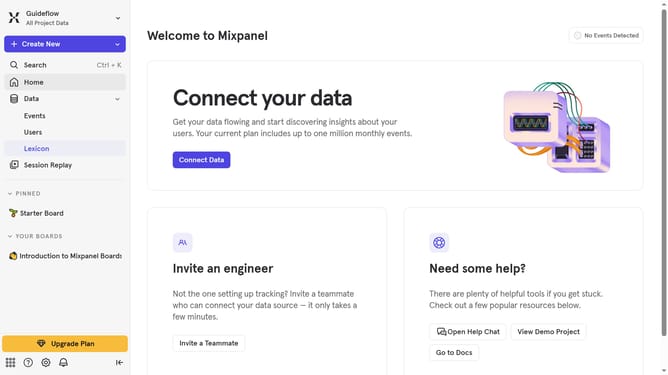
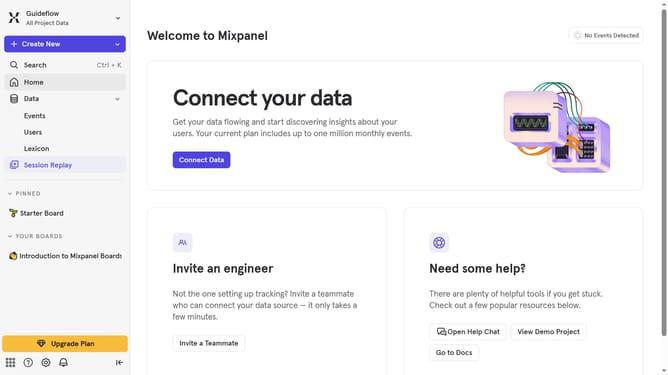
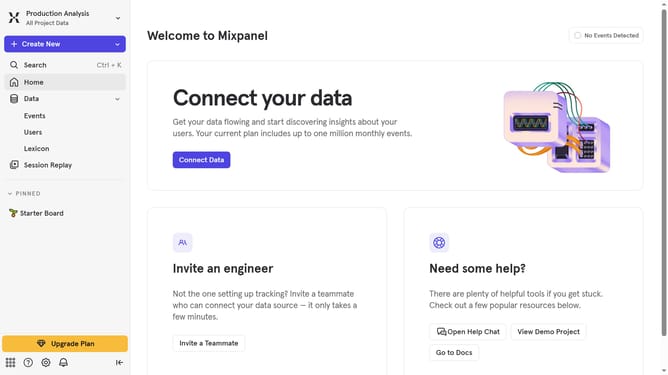
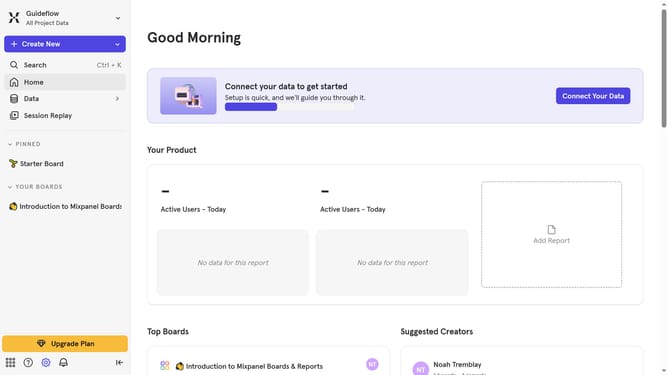
- First click on the settings icon in the left sidebar
- Then select "Integrations" from the menu
- Then scroll down to view more options
- Then click on the "CleverTap" integration
- Then click the "Connect" button for the "CleverTap" integration.
- Then click on the "Connector Name" input field and type in your desired connector name
- Then click on the "PROJECT ID" text input field and type in your project ID
- Then click on the "Project ID" input field and type in your desired password
- Then click on the "CLEVERTAP DATACENTER" dropdown menu
- Then select your preferred Datacenter option from the list
- Then select "EU" from the "Select a Datacenter to export to" dropdown.
- Finally click the "Continue" button
Why should you connect CleverTap in Mixpanel
Mixpanel is a powerful analytics platform designed to track user interactions and measure product growth effectively.
Connecting CleverTap within Mixpanel harnesses the strength of both platforms, creating an integrated approach to understanding user behavior.
This feature allows you to sync valuable engagement data across both tools, enabling seamless tracking and in-depth user insights.
Ultimately, integrating CleverTap with Mixpanel empowers businesses to make informed decisions, optimizing user engagement strategies efficiently.
Last update