How to remove classified status filter from profile properties in Mixpanel
Here is how to remove classified status filter from profile properties in mixpanel
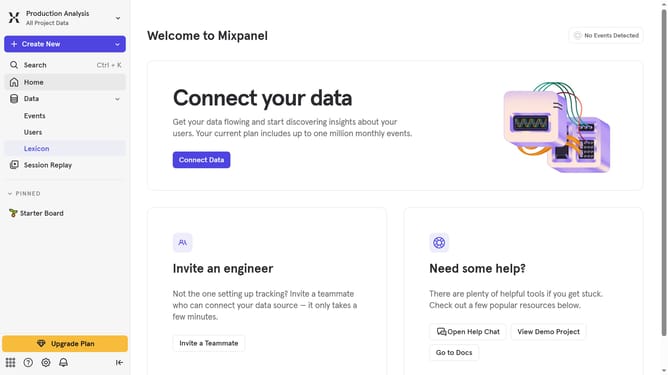
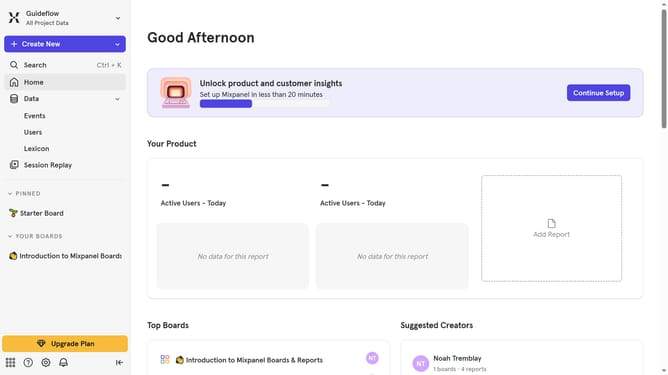
- First click on the "Lexicon" item in the left sidebar
- Then click on the "Profile Properties" link in the left sidebar
- Then click on the "Filter" button
- Finally uncheck the checkbox next to "Classified" in the dropdown menu
Why should you remove classified status filter from profile properties in Mixpanel
Mixpanel is a powerful analytics platform that helps businesses understand and engage their users more effectively.
Removing the classified status filter from profile properties in Mixpanel is a feature designed to enhance user data flexibility. By adjusting this filter, businesses can gain a clearer, unrestricted view of customer profiles, ensuring a deeper understanding of user behavior.
This removal not only simplifies data analysis but also empowers companies to make more informed decisions, enhancing strategies based on comprehensive insights. Ultimately, it enables a more tailored approach to user engagement and growth.
Last update