How to enable spark in Mixpanel
Here is how to enable spark in mixpanel
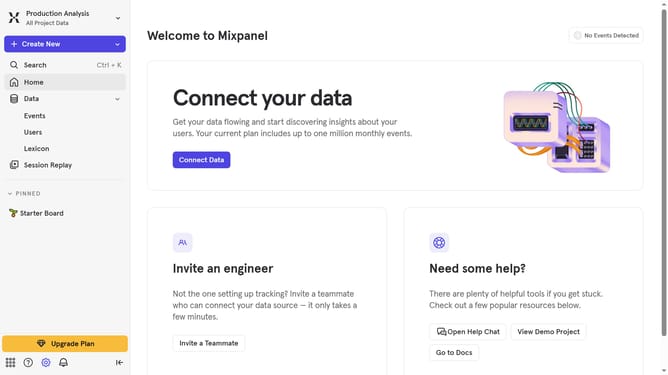
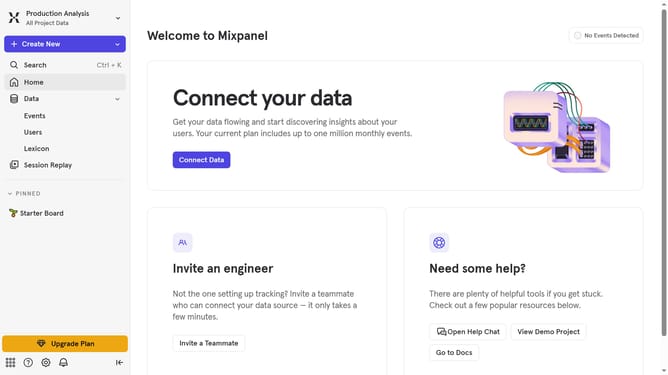
- First click on the "Settings" icon in the bottom left corner of the sidebar
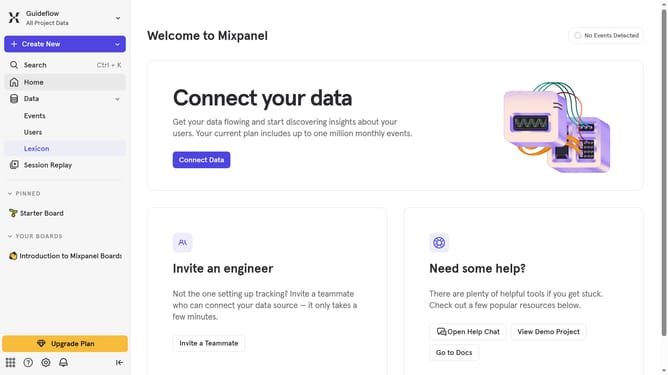
- Then hover your mouse over the "Settings" option
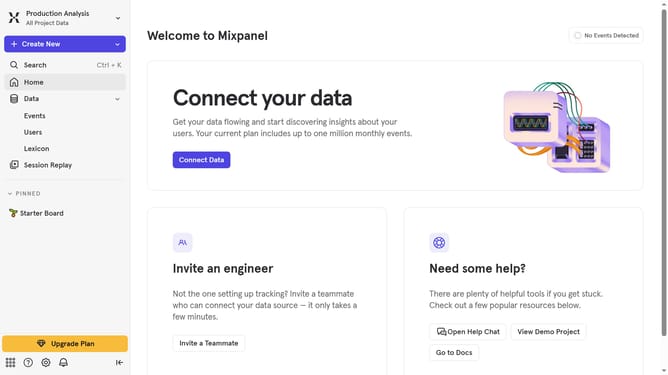
- Next, click on "Organization Settings" in the revealed submenu
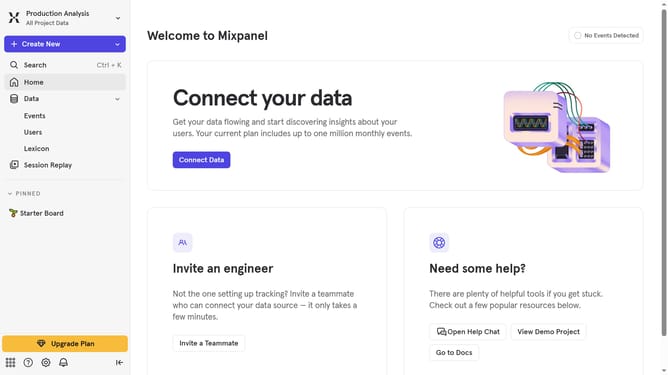
- Finally, click on the "Enable Spark" toggle switch on to enable it
Why should you enable spark in Mixpanel
Mixpanel is a powerful analytics tool designed to help businesses understand user behavior and drive growth.
Enabling the spark feature in Mixpanel enhances data visualization, allowing users to effortlessly identify key trends and insights.
By opting for this feature, businesses can streamline their decision-making process, making data interpretation more intuitive and actionable.
Overall, using spark in Mixpanel empowers teams to focus on strategic initiatives by simplifying complex data into clear, visual stories.
Last update