How to disconnect Mailchimp in Mixpanel
Here is how to disconnect mailchimp in mixpanel
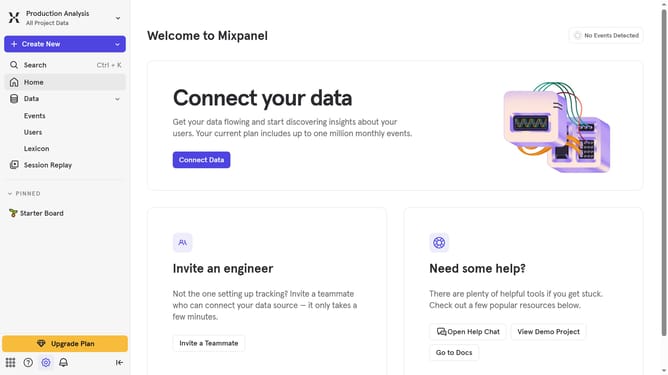
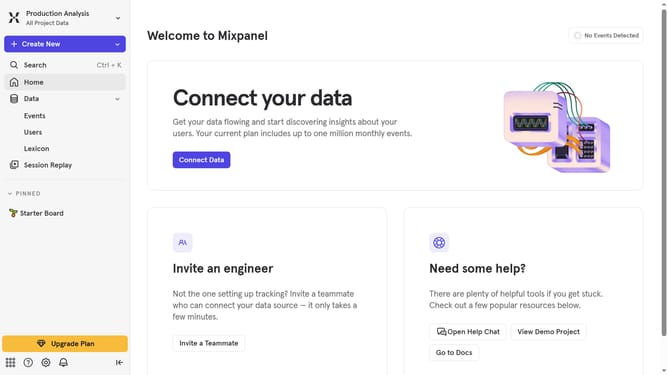
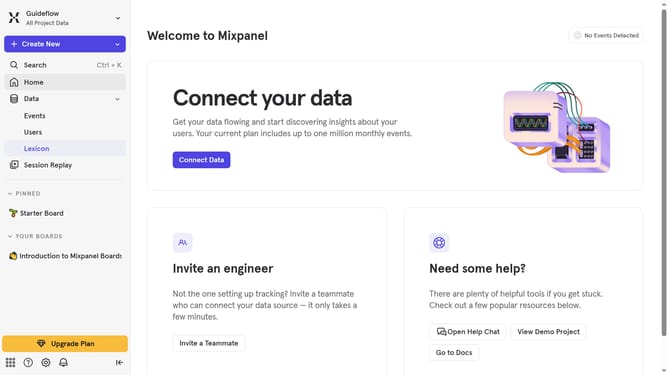
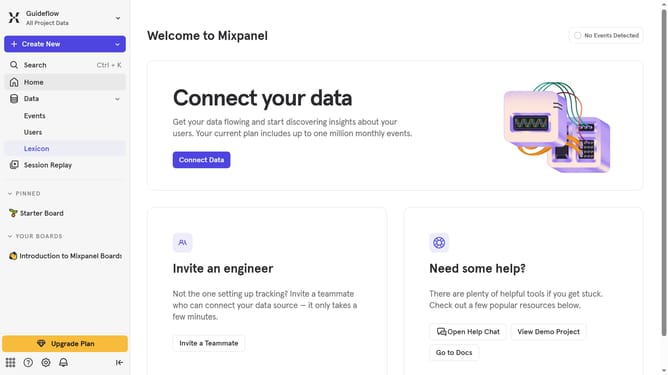
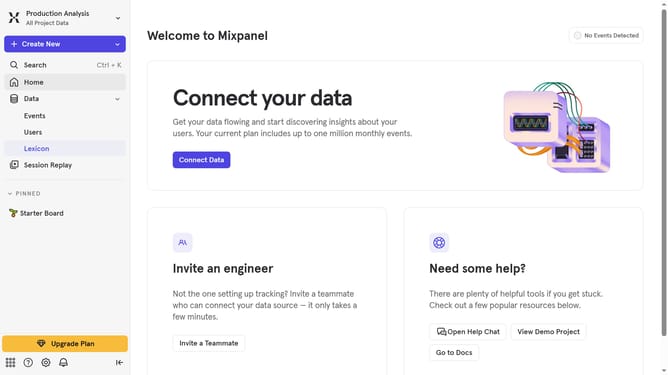
- First click on the settings icon in the bottom left corner
- Then click on "Integrations" in the sidebar menu
- Then scroll down to view more options
- Then click on "Mailchimp" to expand its settings
- Then click on the "Disconnect" button
- Finally click on the "Disconnect" button in the confirmation dialog
Why should you disconnect Mailchimp in Mixpanel
Mixpanel is a powerful analytics platform designed to help businesses track user interactions and measure the effectiveness of their engagement strategies.
Disconnecting Mailchimp from Mixpanel is a valuable feature that allows you to streamline your marketing processes.
This helps maintain data integrity by ensuring that only the most relevant information is shared between platforms.
Leveraging this disconnect feature can lead to more focused campaigns and efficient use of resources, ultimately enhancing your productivity.
Last update