How to show 30 day queries column in custom event properties in Mixpanel
Here is how to show 30 day queries column in custom event properties in mixpanel
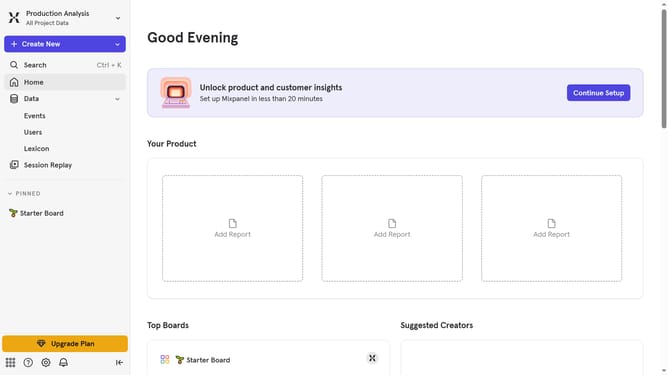
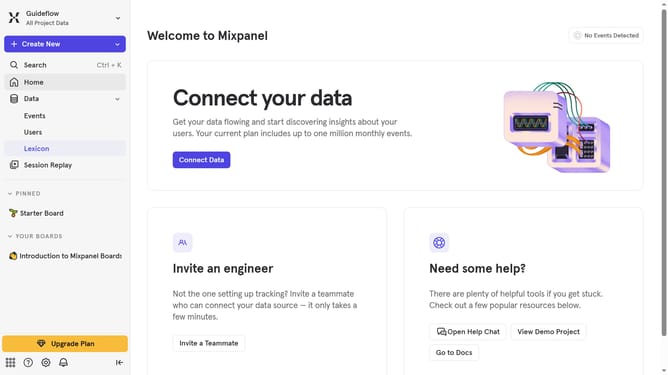
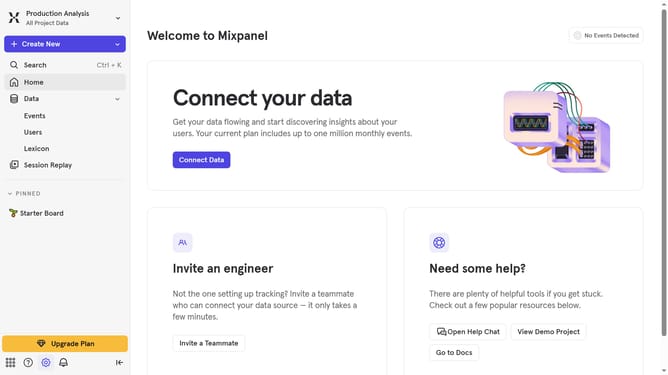
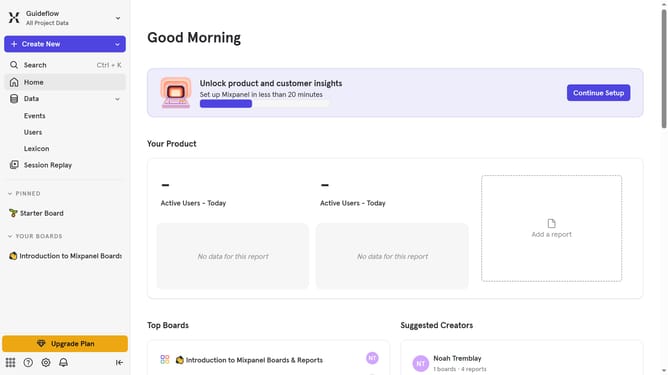
- First click on "Lexicon" in the left sidebar
- Then click on "Custom Event Properties" in the left sidebar
- Then click on the "Edit Columns" button
- Finally select the checkbox next to "30 day queries"
Why should you show 30 day queries column in custom event properties in Mixpanel
Mixpanel is a powerful analytics tool designed for tracking user interactions and helping businesses make data-driven decisions.
One of its dynamic features is the ability to display a 30-day queries column within custom event properties. This feature is particularly beneficial as it allows users to gain insights over a specific, consistent timeframe, ensuring they can observe trends and patterns that are critical for making informed business decisions.
By leveraging this feature, companies can streamline their data analysis processes, ensuring they focus on key performance indicators that matter most over a rolling monthly period.
Last update