How to reconnect Kameleoon in Mixpanel
Here is how to reconnect kameleoon in mixpanel
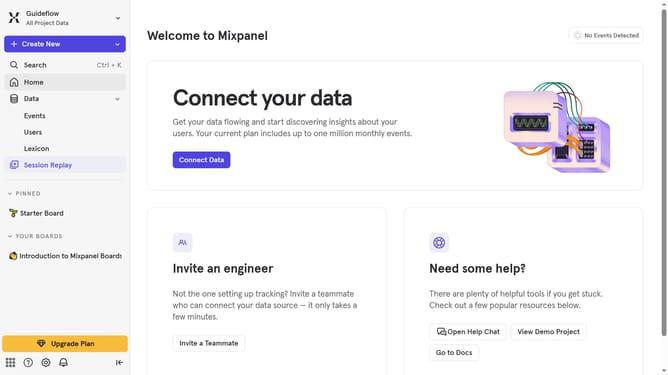
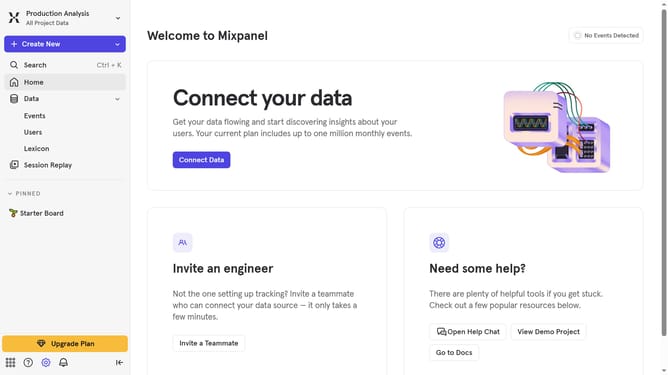
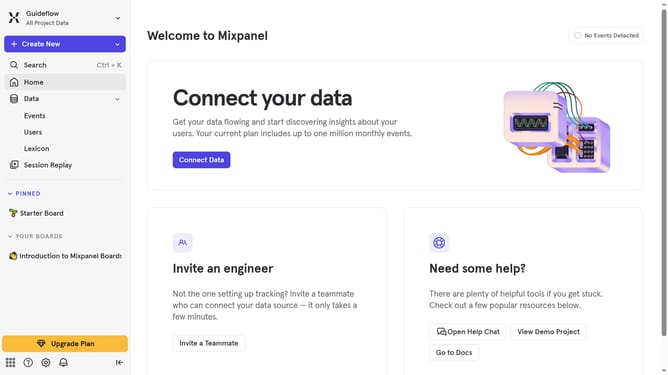
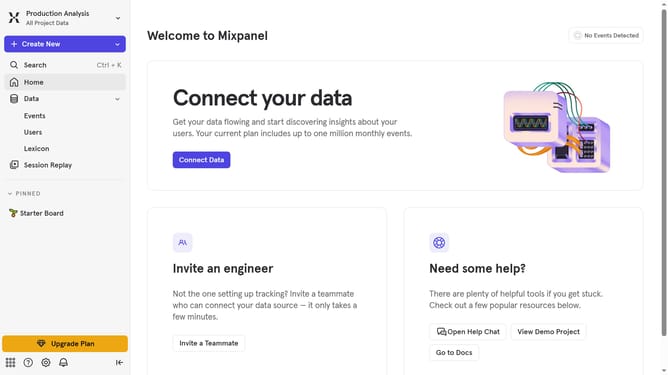
- First click on the settings icon in the bottom left of the screen
- Then click on "Integrations" in the sidebar menu
- Next, scroll down to view more options
- Then click on the "Kameleoon" integration option
- After that, click on the "Re-connect" option
- Then, click on the "API KEY" text input field and enter your API KEY
- Lastly, click the "Continue" button to proceed
Why should you reconnect Kameleoon in Mixpanel
Mixpanel is a powerful analytics tool designed for tracking user interactions with web and mobile applications.
Reconnecting Kameleoon in Mixpanel integrates robust A/B testing and personalization capabilities with the analytical power of Mixpanel.
This feature lets you visualize and measure the impact of your experiments directly in Mixpanel, helping refine your digital strategies.
Seamlessly analyzing the data in one place empowers you to make informed decisions that optimize user engagement and drive growth.
Last update