How to show description column in custom profile properties in Mixpanel
Here is how to show description column in custom profile properties in mixpanel
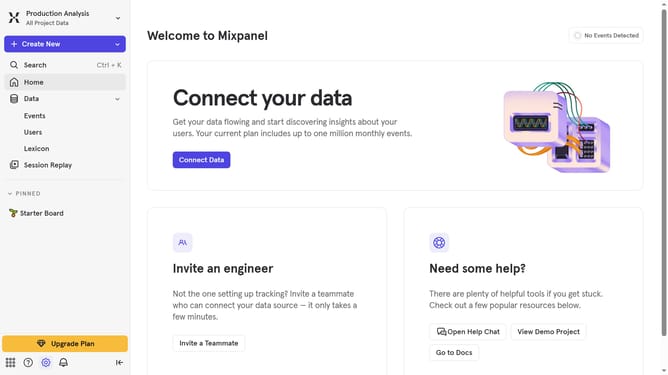
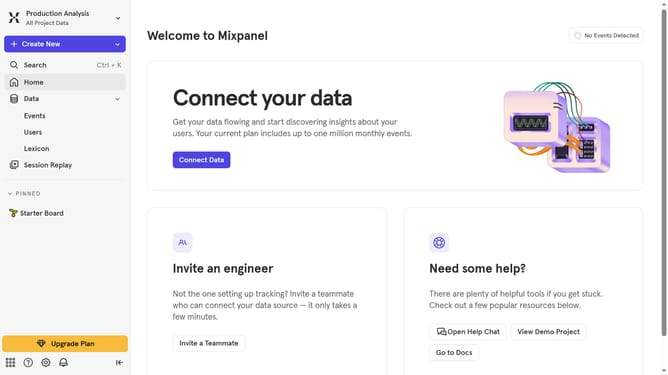
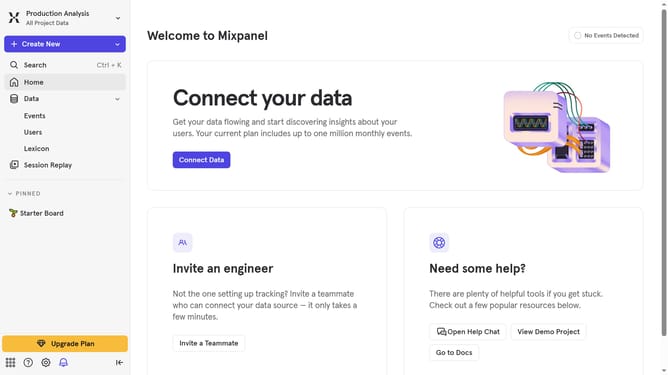
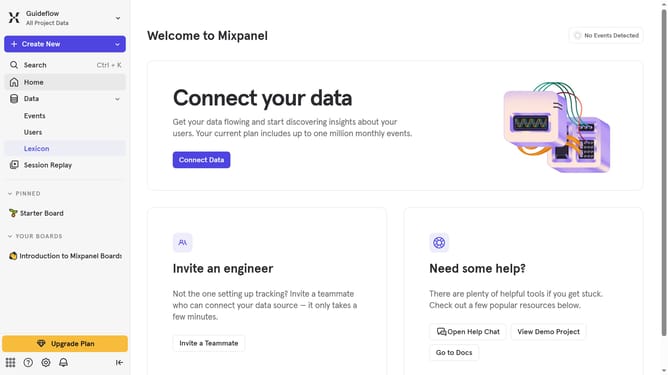
- First click on "Lexicon" in the left sidebar
- Next, click on "Custom Profile Properties" in the left sidebar
- Then, click on the "Edit Columns" button
- Finally, click on the checkbox next to "Description"
Why should you show description column in custom profile properties in Mixpanel
Mixpanel is a leading analytics platform designed to provide deep insights into user behavior, helping businesses make data-driven decisions.
One valuable feature is the ability to show a description column in custom profile properties. This feature enhances clarity by allowing teams to document the purpose and usage of each property directly within the interface.
Utilizing this option aids in collaboration and ensures consistency, as team members can easily understand the significance of each data point, fostering informed strategies and efficient workflows.
Last update