How to remove mixpanel properties filter from profile properties in Mixpanel
Here is how to remove mixpanel properties filter from profile properties in mixpanel
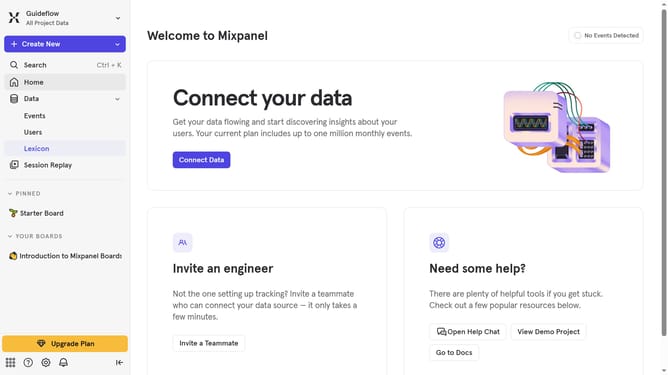
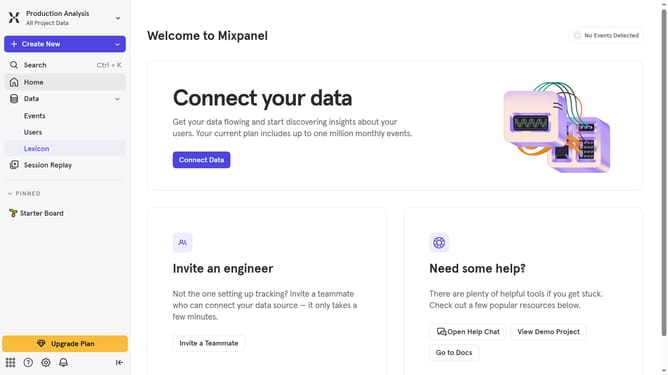
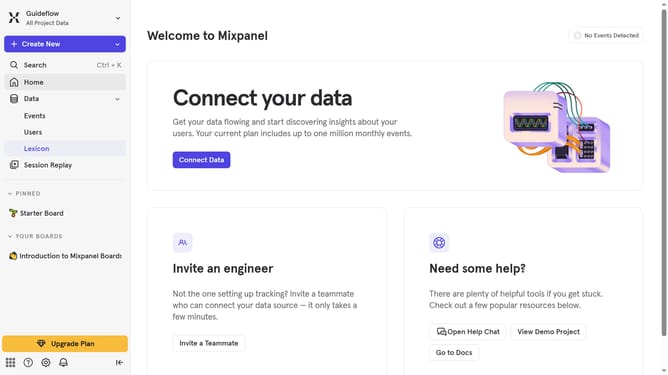
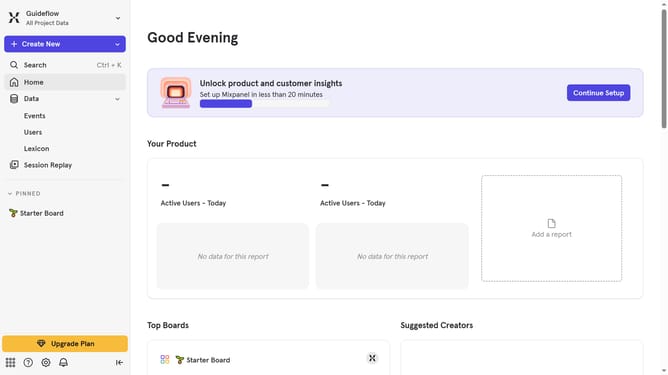
- First click on "Lexicon" in the left sidebar
- Then click on "Profile Properties" in the left sidebar
- Next click on the "Filter" button
- Finally, uncheck the "Mixpanel Properties" from the dropdown menu
Why should you remove mixpanel properties filter from profile properties in Mixpanel
Mixpanel is a powerful analytics platform designed to help businesses track user interactions and improve their user experience.
Removing the properties filter from profile properties in Mixpanel enhances the clarity of data analysis by ensuring that only the relevant data points are considered.
This feature is particularly beneficial when streamlining reports and focusing on key metrics that drive decision-making.
By simplifying the dataset, users can gain quicker insights, leading to more effective and timely business strategies.
Last update