How to show description column in metrics in Mixpanel
Here is how to show description column in metrics in mixpanel
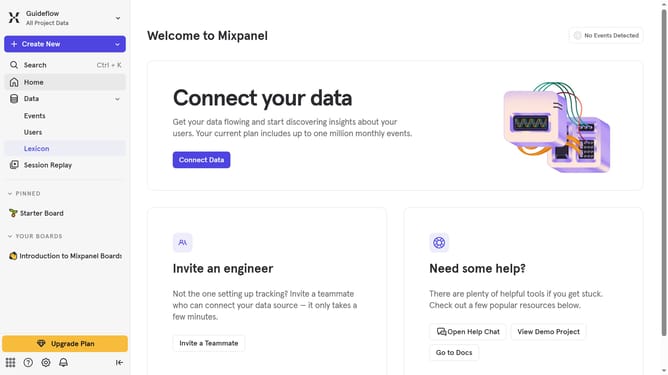
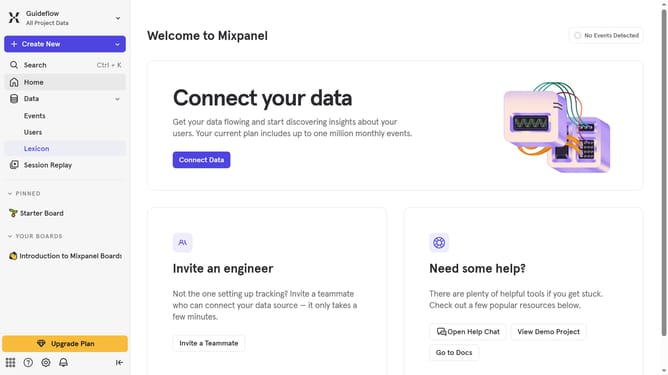
- First click on "Lexicon" item in the left sidebar
- Then click on "Metrics" item in the left sidebar
- Then click on "Edit Columns" button
- Finally uncheck on the checkbox next to "Description" option
Why should you show description column in metrics in Mixpanel
Mixpanel is a powerful analytics platform designed for tracking user interactions and measuring data-driven decisions in real-time.
The ability to show a description column in metrics adds an extra layer of detail, allowing teams to understand metrics better. It brings clarity by aligning team perceptions of what each metric signifies.
This feature facilitates smoother communication and analysis processes, ensuring everyone is on the same page. With clearer insights, teams can make informed decisions more efficiently, leading to optimized product strategies and user experiences.
Last update