How to remove visible status filter from events in Mixpanel
Here is how to remove visible status filter from events in mixpanel
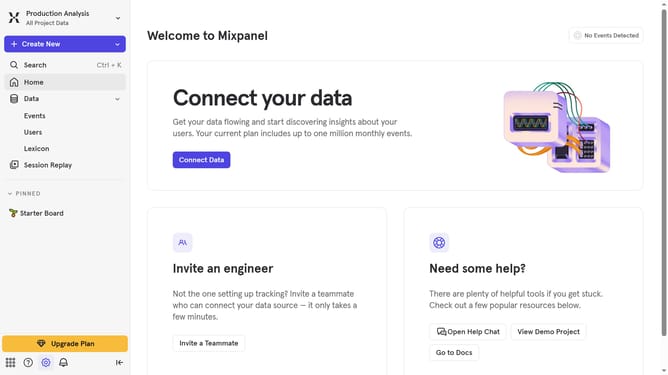
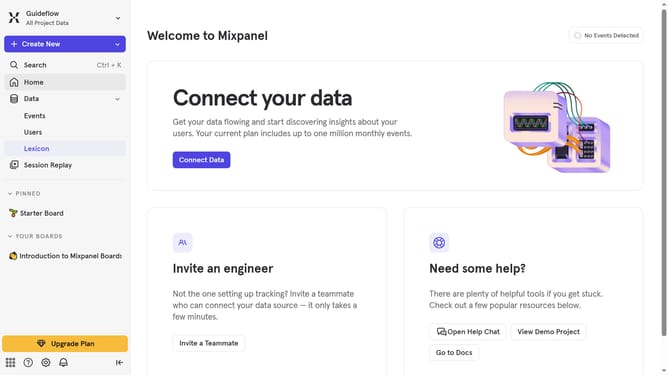
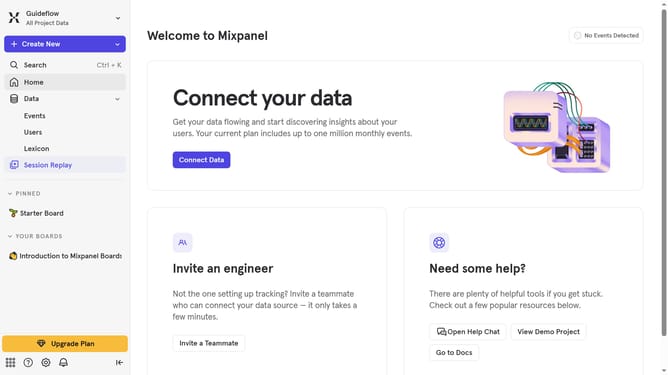
- First click on "Lexicon" in the left sidebar
- Then click on "Profile Properties" in the left sidebar
- Then click on the "Filter" button
- Finally uncheck the "Visible" checkbox
Why should you remove visible status filter from events in Mixpanel
Mixpanel is a powerful analytics platform designed to track user interactions with applications, providing invaluable insights for businesses.
Removing the visible status filter from events in Mixpanel allows users to customize their data view according to specific needs, enhancing the flexibility of data analysis.
This feature is particularly beneficial for diving deep into all events, enabling a comprehensive understanding of user behaviors without restrictions, thereby optimizing strategic decision-making processes.
By removing unnecessary filters, teams can access a cleaner, more relevant dataset that aligns perfectly with their objectives.
Last update